QR code menu
example
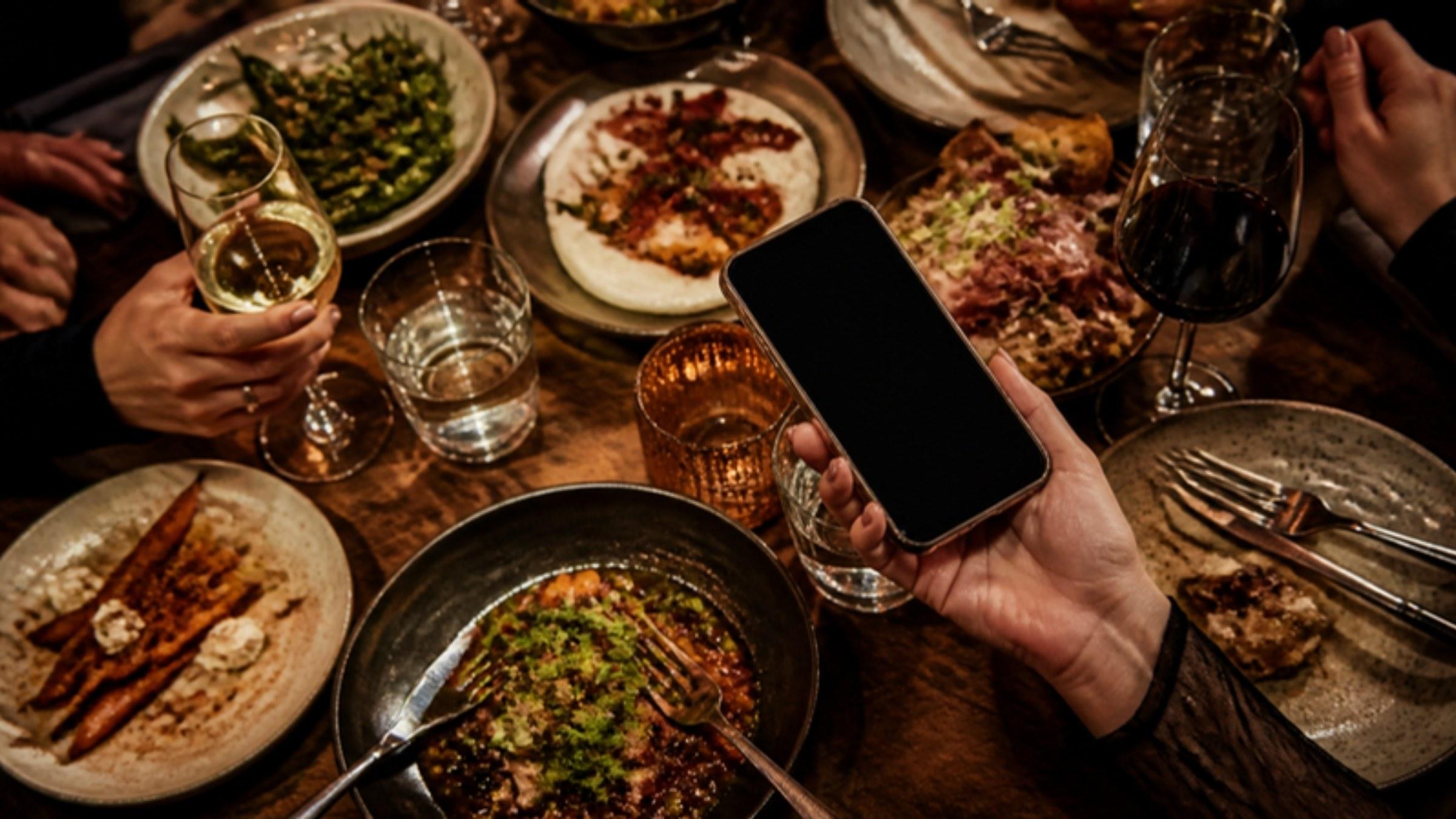
This is the menu a guest sees after scanning the restaurant's QR code. It really works, and you can try it in the phone.
- Dishes in photos, with their allergens
- Five languages, a basket, a tip
- Try it here, with no account and no app
“Sauge & Braise” is a restaurant invented for the demonstration. No payment goes through.

This is a real menu. Open a dish, fill a basket, change the language.
This is a real menu
Open a dish, fill a basket, change the language.
What you can try
Open a dish
The photo full size, the description, the allergens and the options to choose.
Search and filter
A word in the search, or a diet to keep: vegetarian, vegan, gluten-free.
Change language
French, English, Spanish, Italian or German, from the selector at the top of the menu.
Check opening hours
Open or closed right now, and the time it next opens.
Build an order
Add dishes to the basket, leave a tip, choose to eat in or take away.
Split the bill
In equal shares or each their own amount, then a QR code for the others.
Open the loyalty card
The visits already counted and the next reward.
Leave a review
The review button at the bottom of the menu, and the note you can leave for the restaurant.








How a menu like
this one is made
- 01
You enter your dishes
One by one, or by pasting the text of your menu. Every line that ends with a price becomes a dish.
- 02
You photograph them on your phone
The background of each photo is removed and replaced with a colour, the same one across the whole menu.
See dish photos - 03
You publish
The menu is online at its own address, translated into five languages.
- 04
You receive your QR codes
Thirty identical QR codes, made and shipped to you.
See the QR code menu



Common questions.
Does this restaurant exist?
Can I really pay on this menu?
Do you need an app to see a menu like this one?
How long does it take to have your own?
Are all these features included?