
Guest reviews
At the bottom of your menu, guests leave a Google review or write to you privately.
- The Google review button is offered to every guest
- A private message is not published anywhere
- Your Google rating is shown on your menu
POS connected through HubRise, payments by Stripe











Guest reviews, screen by screen
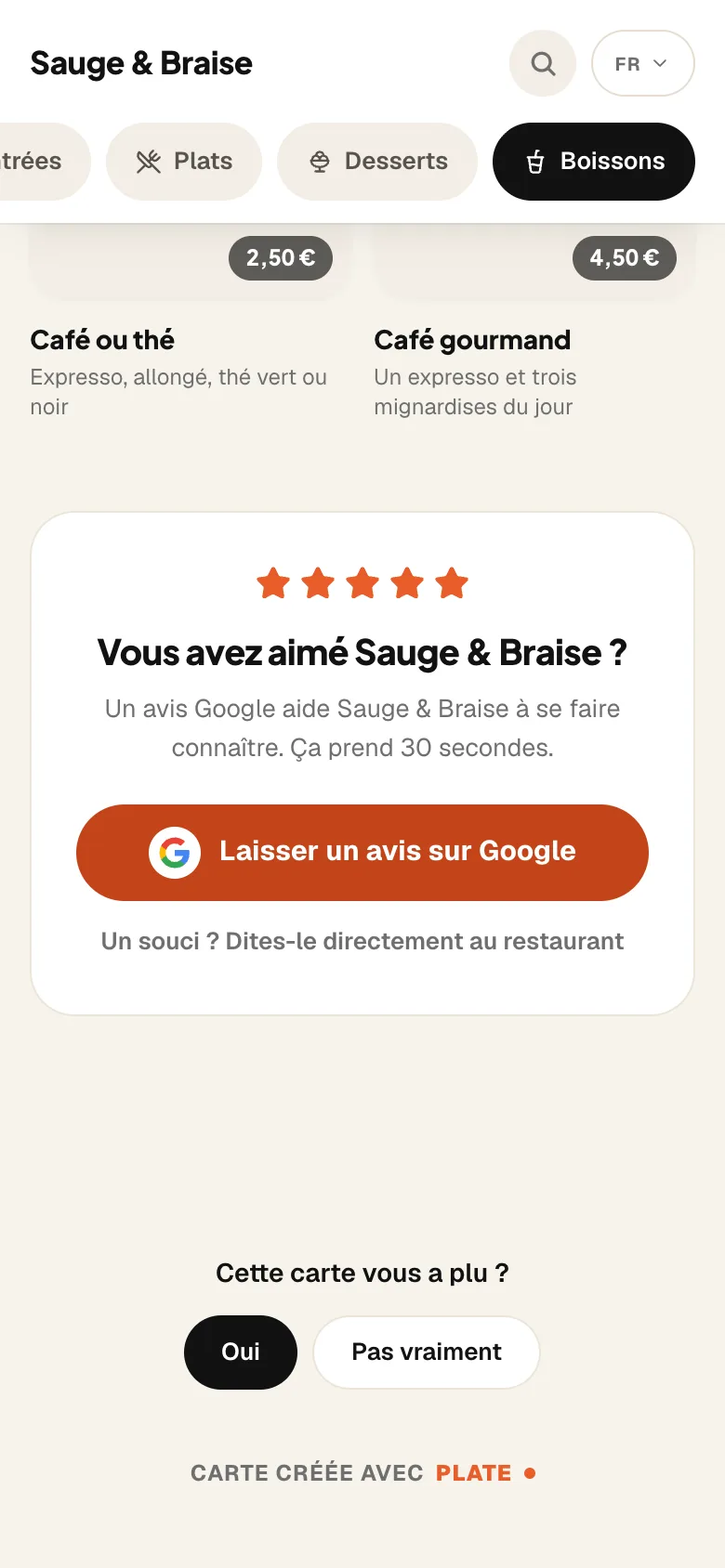
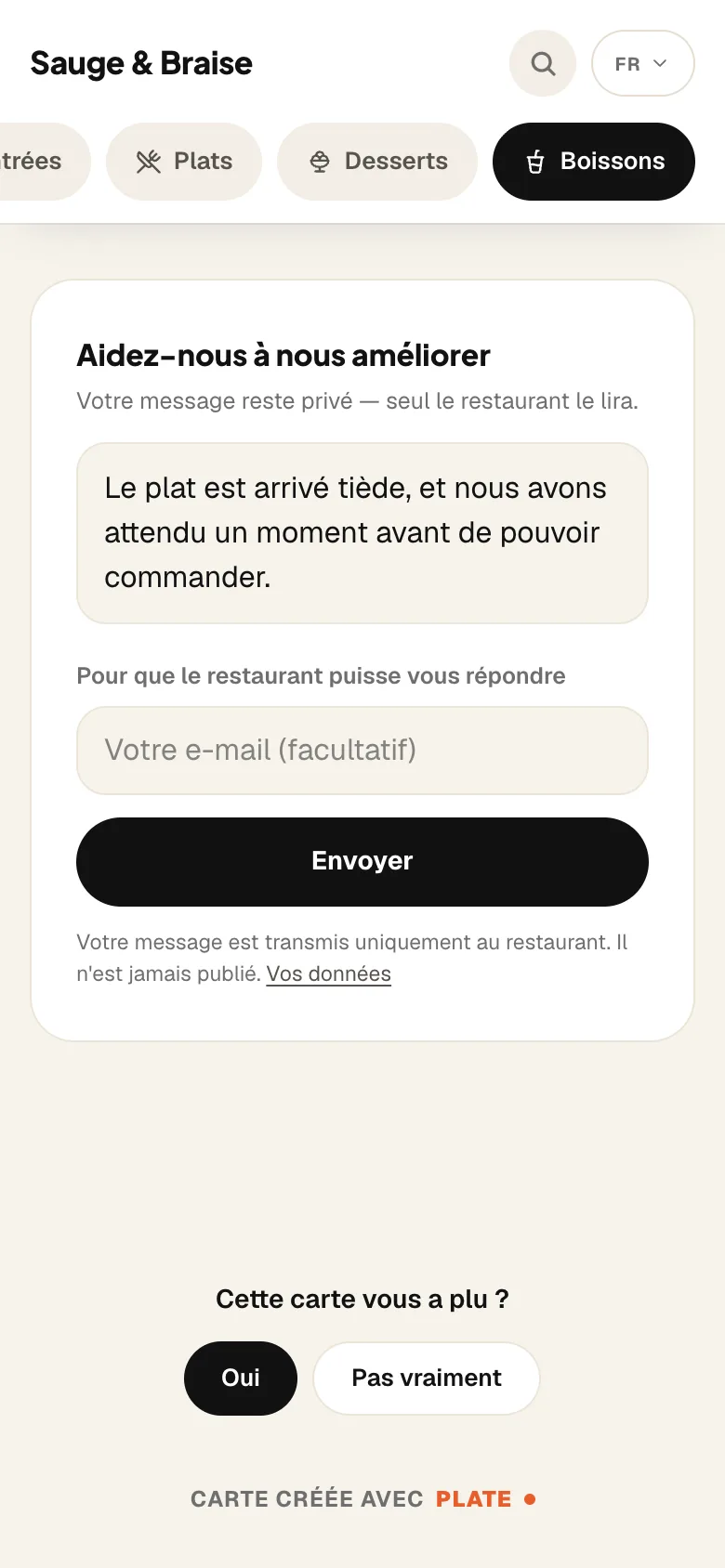
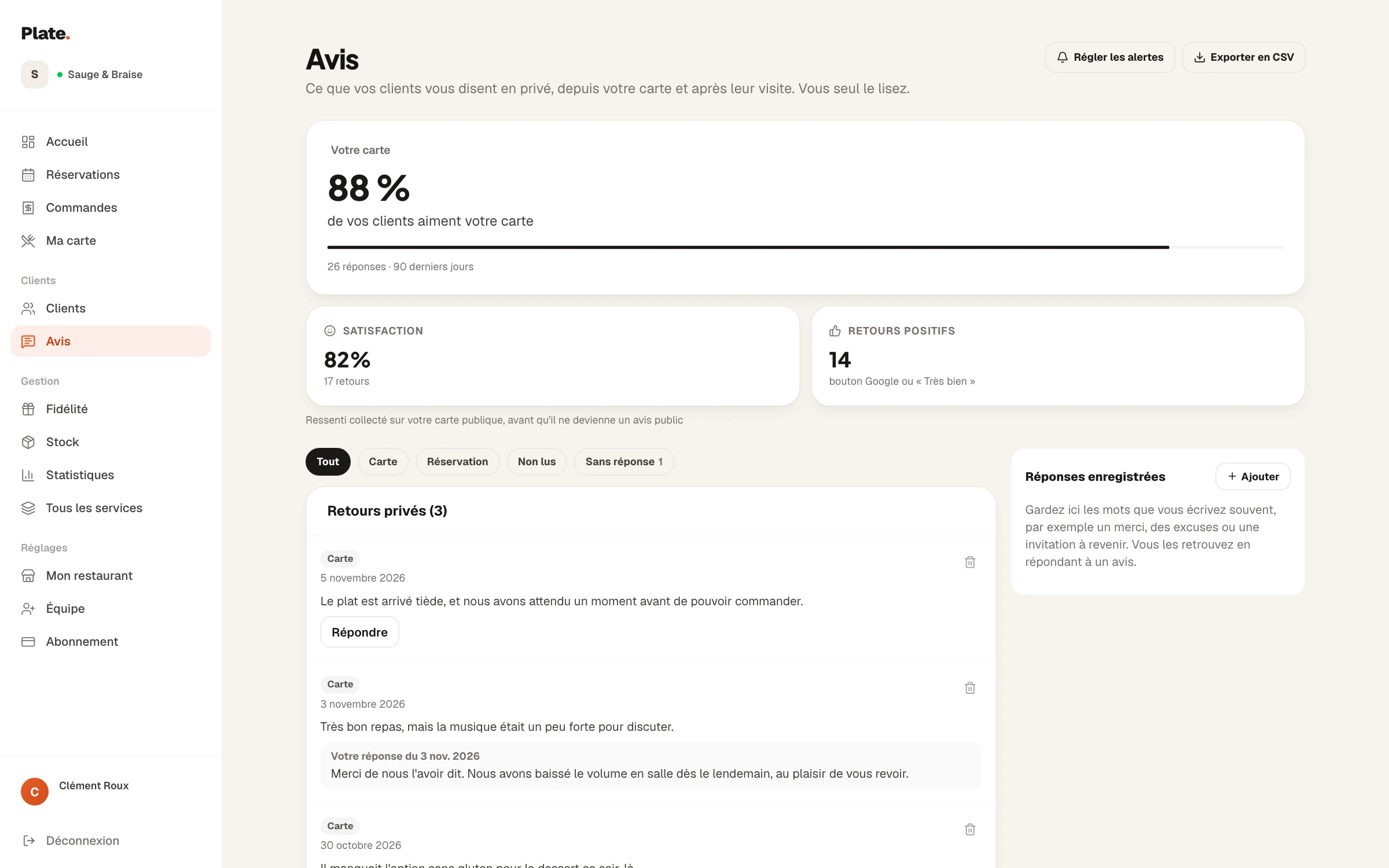
At the bottom of the menu, the guest finds the Google review button and, below it, the link to write to the restaurant.
The menu, the email sent after a booking and the dashboard are screens from the French version of RestoAll; the app is shown on iPhone. Sample restaurant and demo account, fictional data.
Guest review features
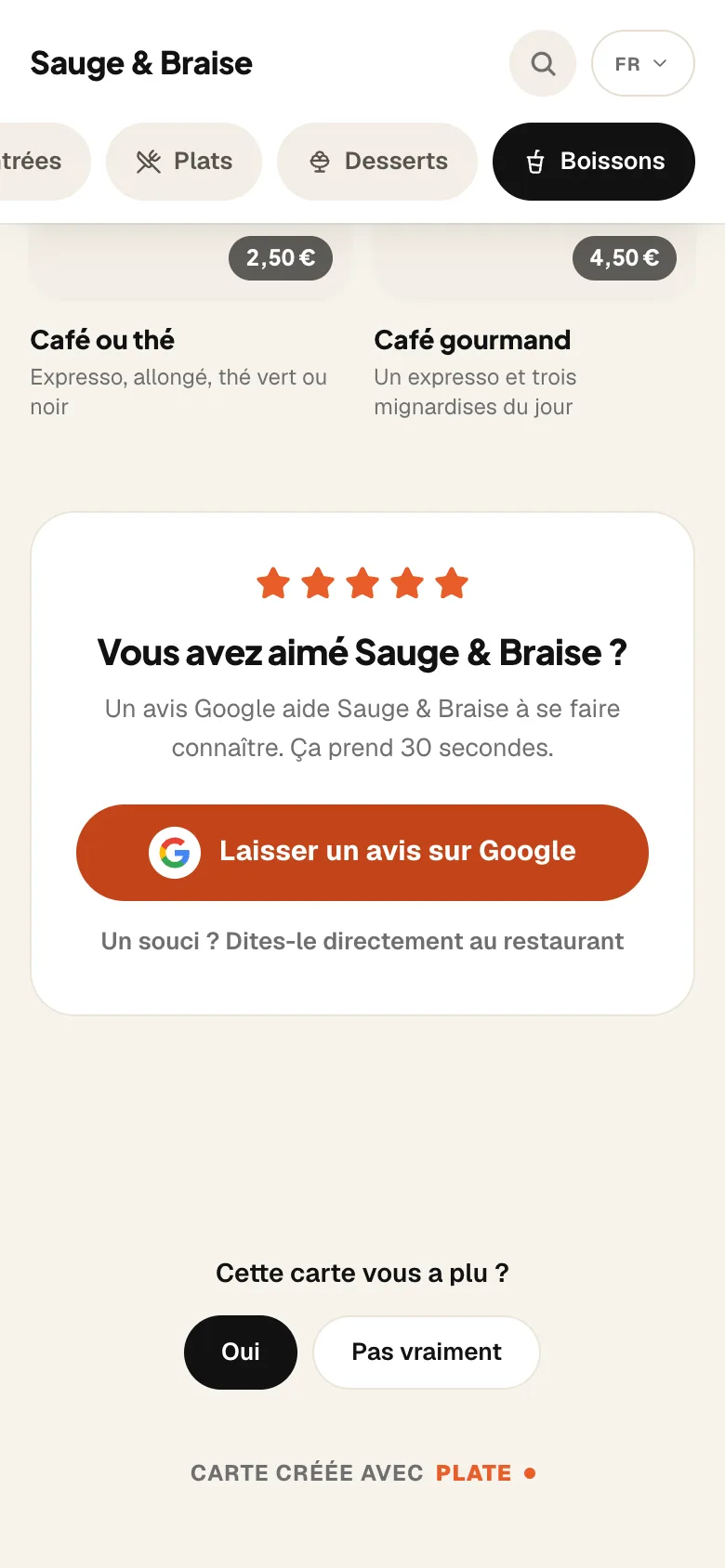
At the bottom of your menu, after the last dish, your guests find the “Leave a Google review” button, which leads to your Google listing. It is offered to everyone, with no filtering, as Google’s rules require.


Once you have pasted the link to your Google listing into your profile, your stars and your number of reviews appear at the top of your menu, next to your name. The rating is updated every week, and you can hide it.


At the bottom of the menu, the guest answers “Yes” or “Not really” in one tap. The Reviews page gives you the share of guests who answer yes, even if you have no Google listing.


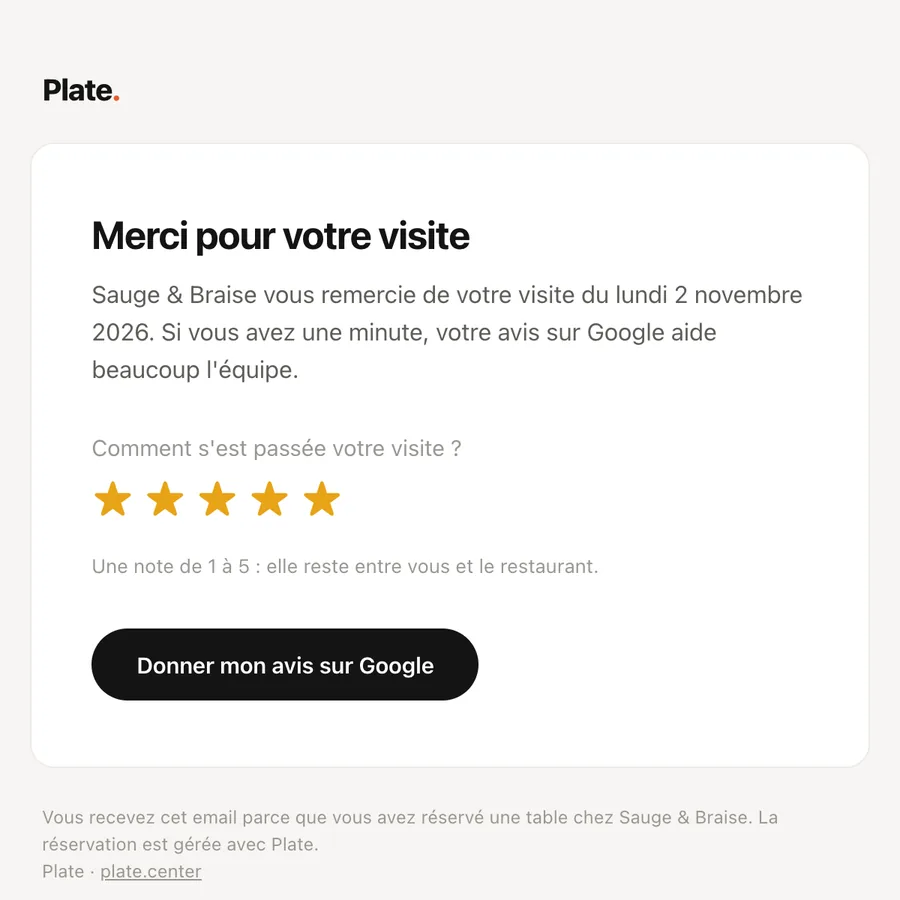
The day after a booking, the guest receives a “Thank you for your visit” email with the Google review button. It is sent only once, and never to a guest marked as a no-show in the reservation book.


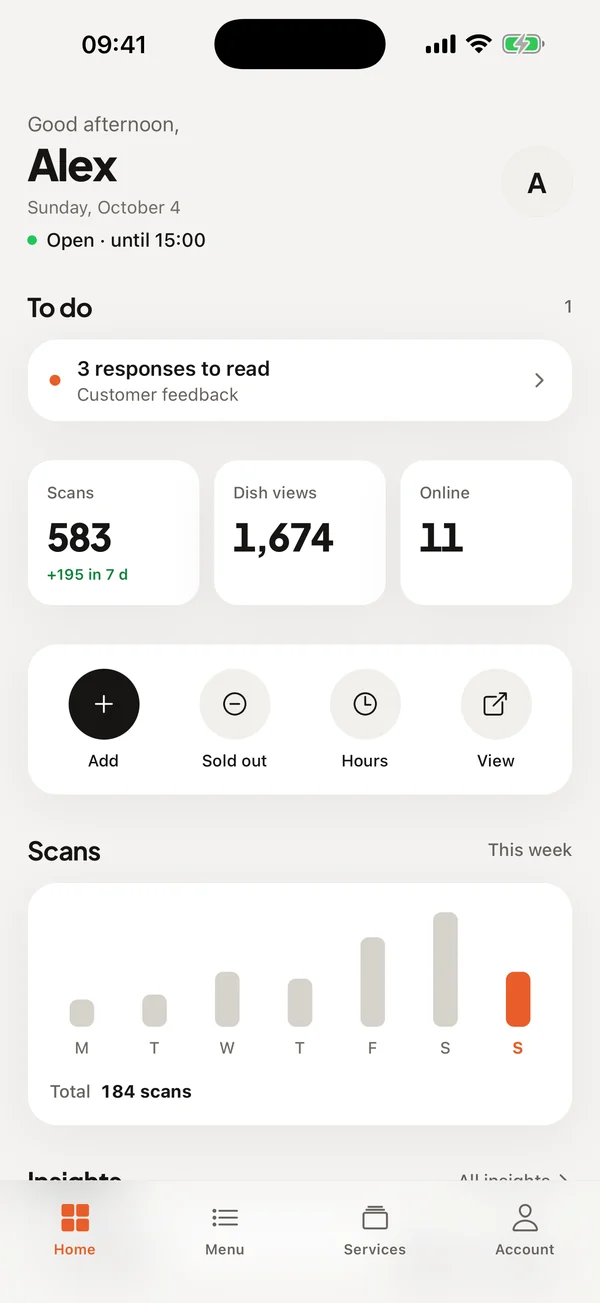
When a guest reports a problem, you receive a notification in the app and an email, two alerts you can adjust from the Reviews page. Only one email is sent per hour, and the messages that follow wait for you there.

Sample restaurant, fictional data.
01 / 03
Your Google listing stays within the rules
All your guests find the same button, happy or not, and those who would rather write to you privately choose to do so themselves. Google forbids asking only satisfied guests for a review, and it is your listing that would pay the price.
02 / 03
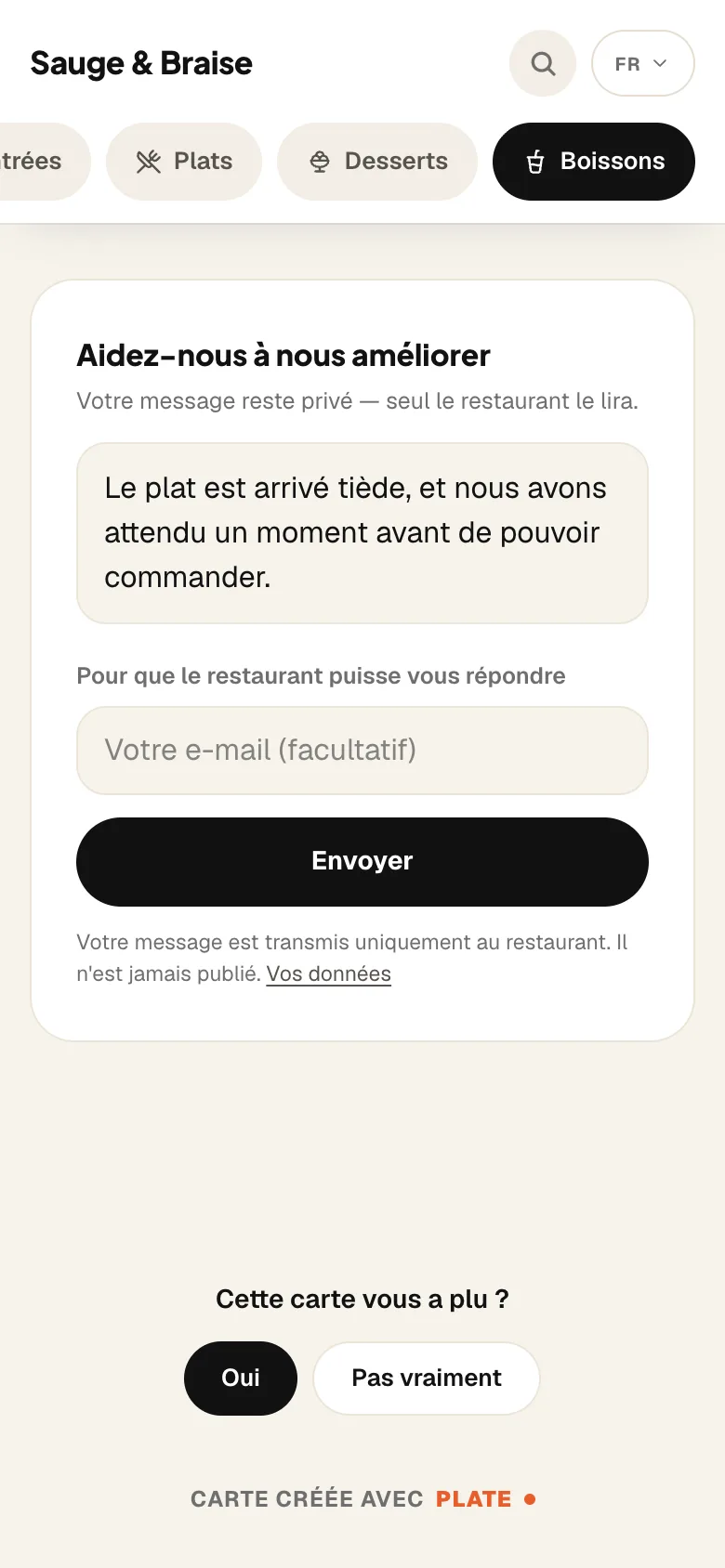
An unhappy guest can write to you before writing on Google
Below the Google button, the link “Something wrong? Tell the restaurant directly” opens a message that stays between the guest and the restaurant. It is not published anywhere, and the guest has no account to create and no app to install.


03 / 03
You read and reply in the same place
The Reviews page brings together your guests’ private messages, in the app and on the dashboard alike. When a guest has left their address and confirmed it from the email they receive, you reply to them by email, once per message.
Included from Essential
Guest reviews are part of the Essential plan at €49.99 a month, with the menu and the thirty QR codes. There is no commitment, and the first thirty days are free.
Essential
Your digital photo menu, accessible by QR code.
€49.99
per month, no commitment
Guest reviews included
- Unlimited dishes and photos
- AI photos (background removed, styled)
- Multilingual menu (5 languages)
- Thirty QR codes, made and shipped
- Statistics: peak hours, most viewed dishes
- Guest reviews: Google and private feedback
- Stock management and food cost
- Online table booking, no commission
Complete
Essential, plus everything that brings guests back and sells straight from the table.
€99.99
per month, no commitment
Guest reviews included
- Everything in Essential, table booking included
- Loyalty programme
- Table ordering and payment
- Takeaway ordering
- POS connection (HubRise)
- 0% commission on your sales
How do guest reviews work?
- 01
You paste the link to your Google listing
You paste it once into your profile. Your rating then appears at the top of your menu and updates itself.
- 02
The guest has their say
At the bottom of the menu, they can leave a Google review, or write to you privately if something went wrong.
- 03
You read the feedback in the app
Each private message waits for you on the Reviews page, with a badge until you have read it.


Try it on your own menu
Common questions.
Does RestoAll sort guests before Google?
Can I reply to a private message?
Am I alerted when feedback is bad?
How much does it cost?
The other RestoAll solutions
Everything lives in the same app and the same dashboard: one menu, one QR code, one subscription.










Ask every guest for a review, starting tonight.
- Free trial
- 30 days, no credit card
- Then
- from €49.99 a month, no commitment
- QR kit
- Thirty QR codes, shipped to you