
Online booking
Your guests book their table online, and the booking goes straight into your book, on iPad, phone or computer.
- Your guests book without creating an account
- The email reminder goes out on its own
- No commission per cover
POS connected through HubRise, payments by Stripe











The reservation book, screen by screen
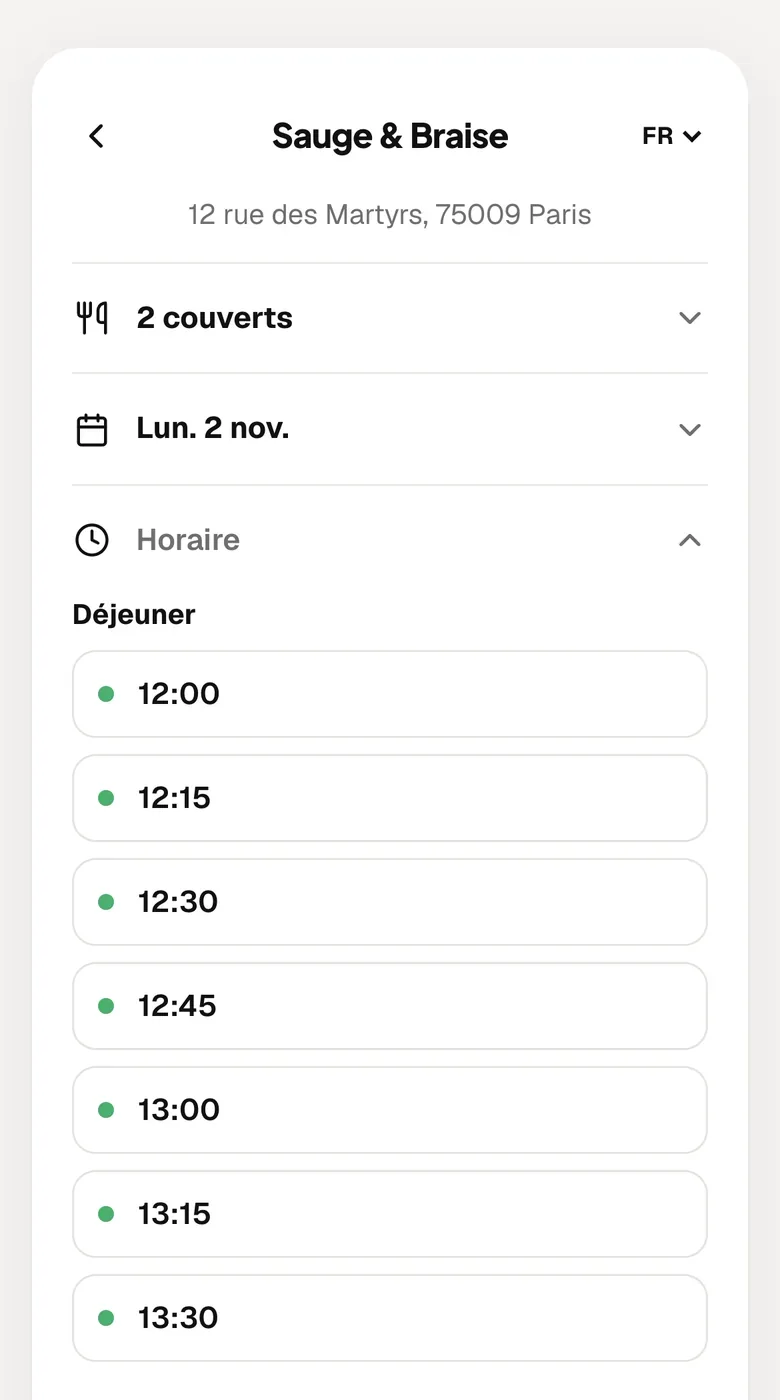
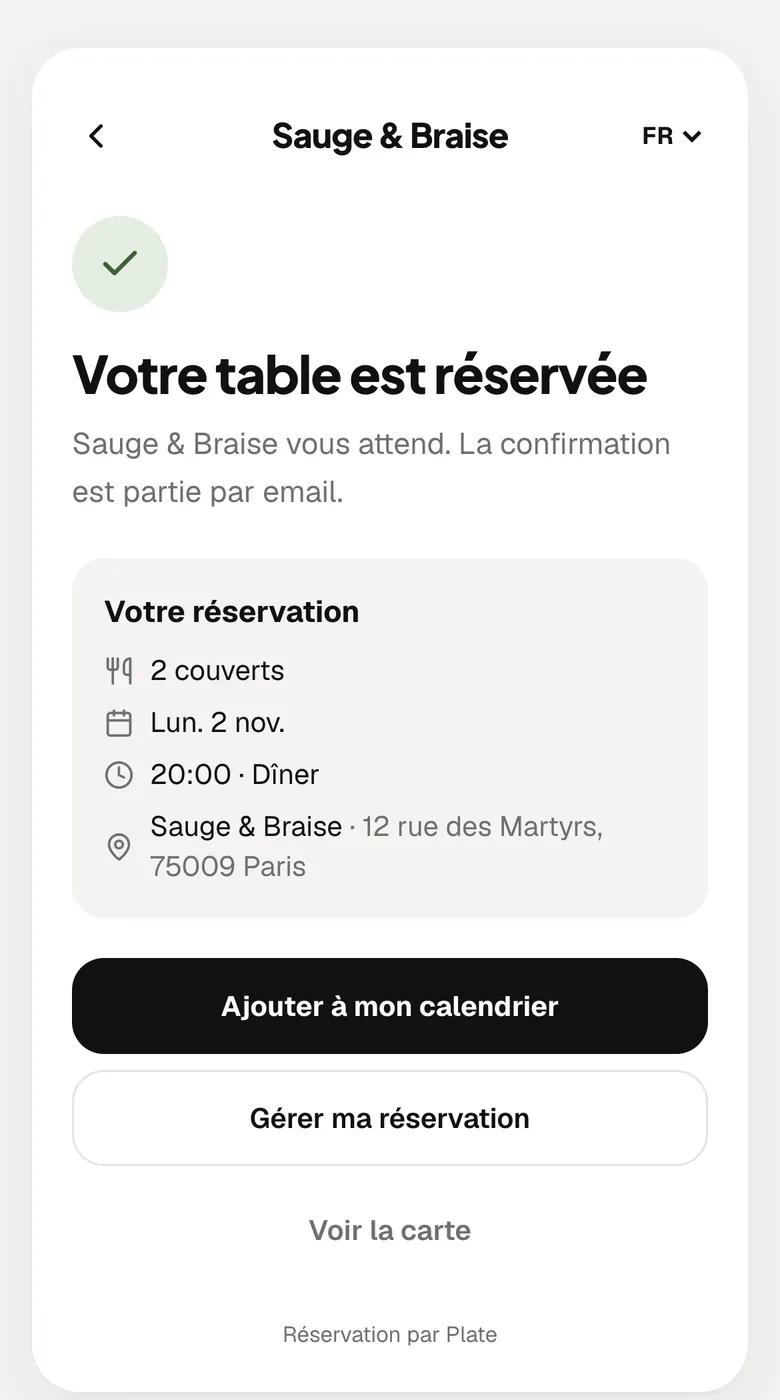
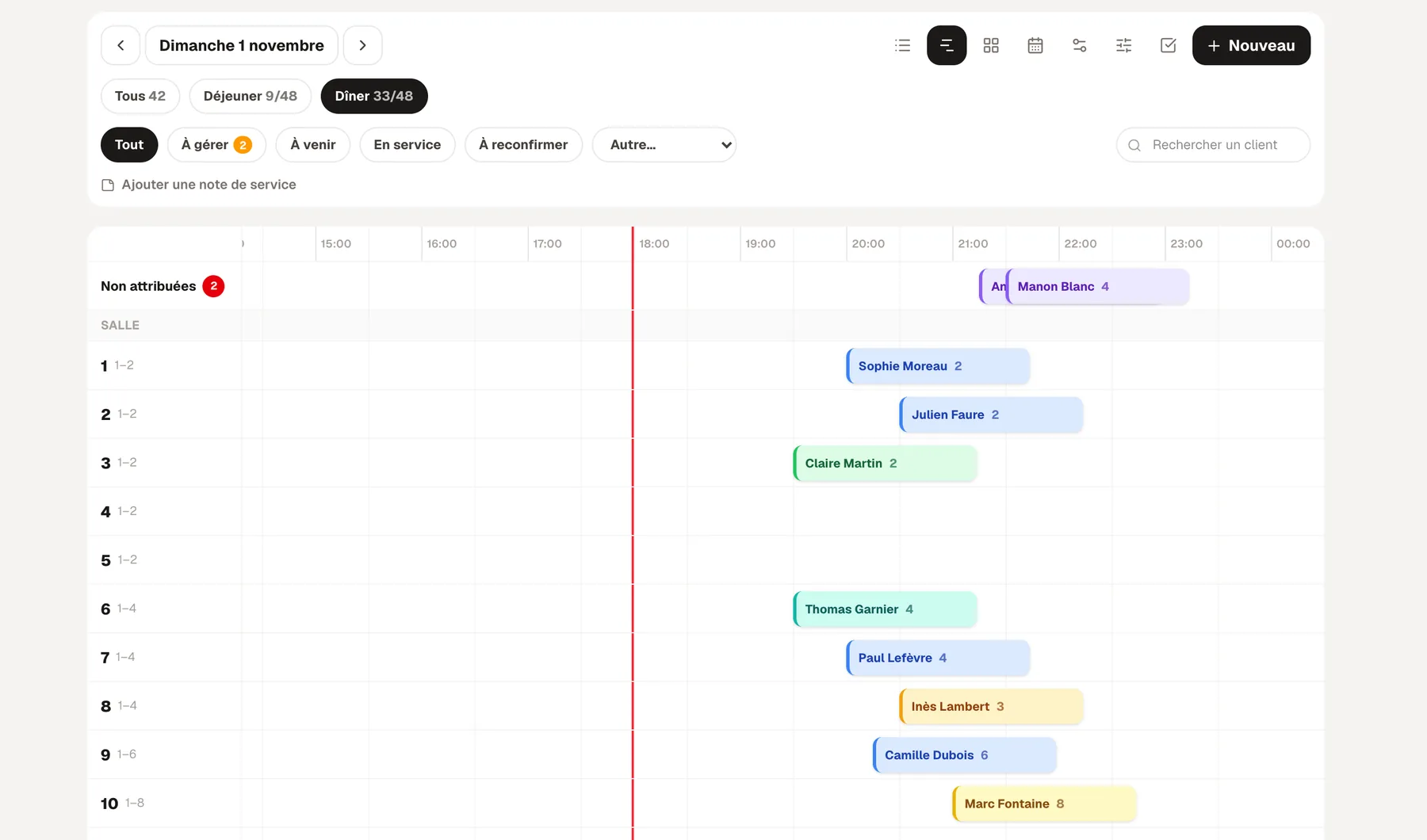
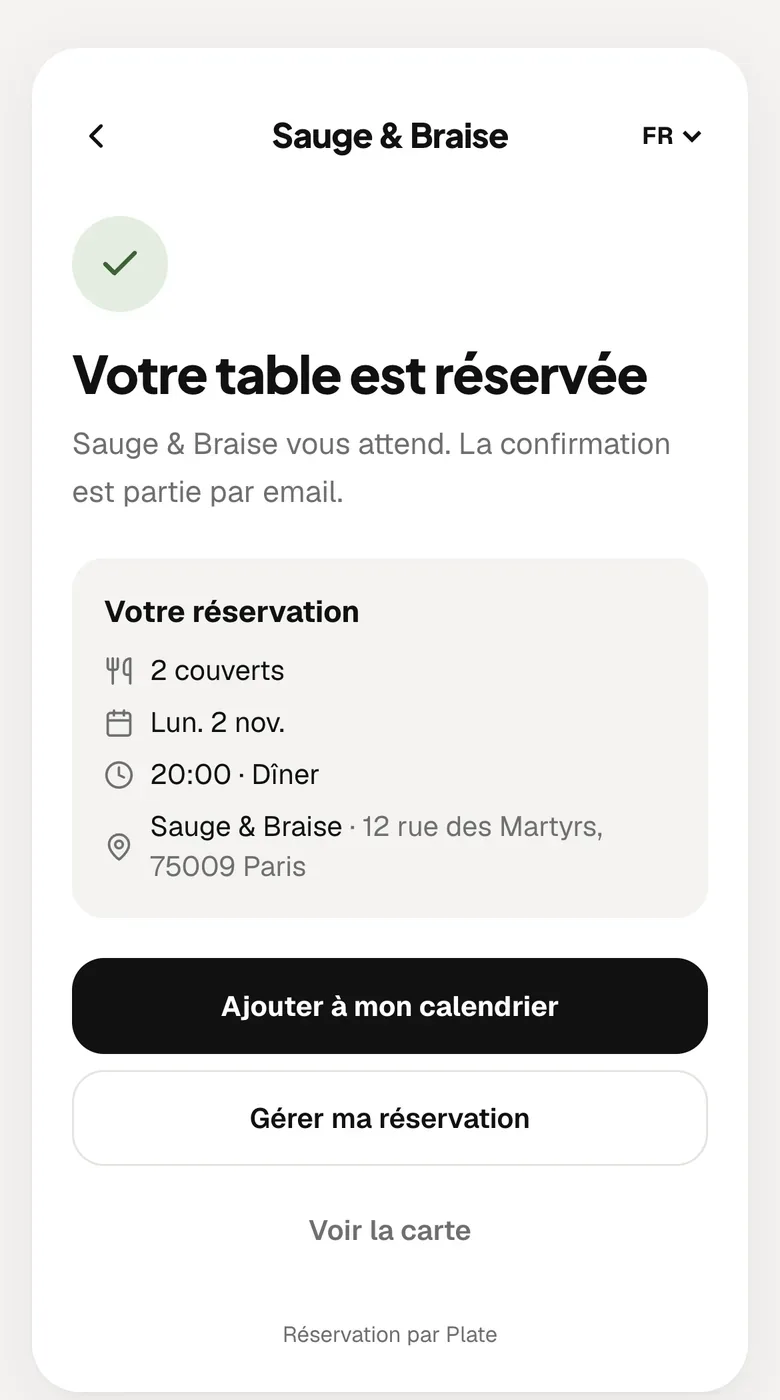
From your link, the guest picks the party size, the day and a time from the slots that are still free.
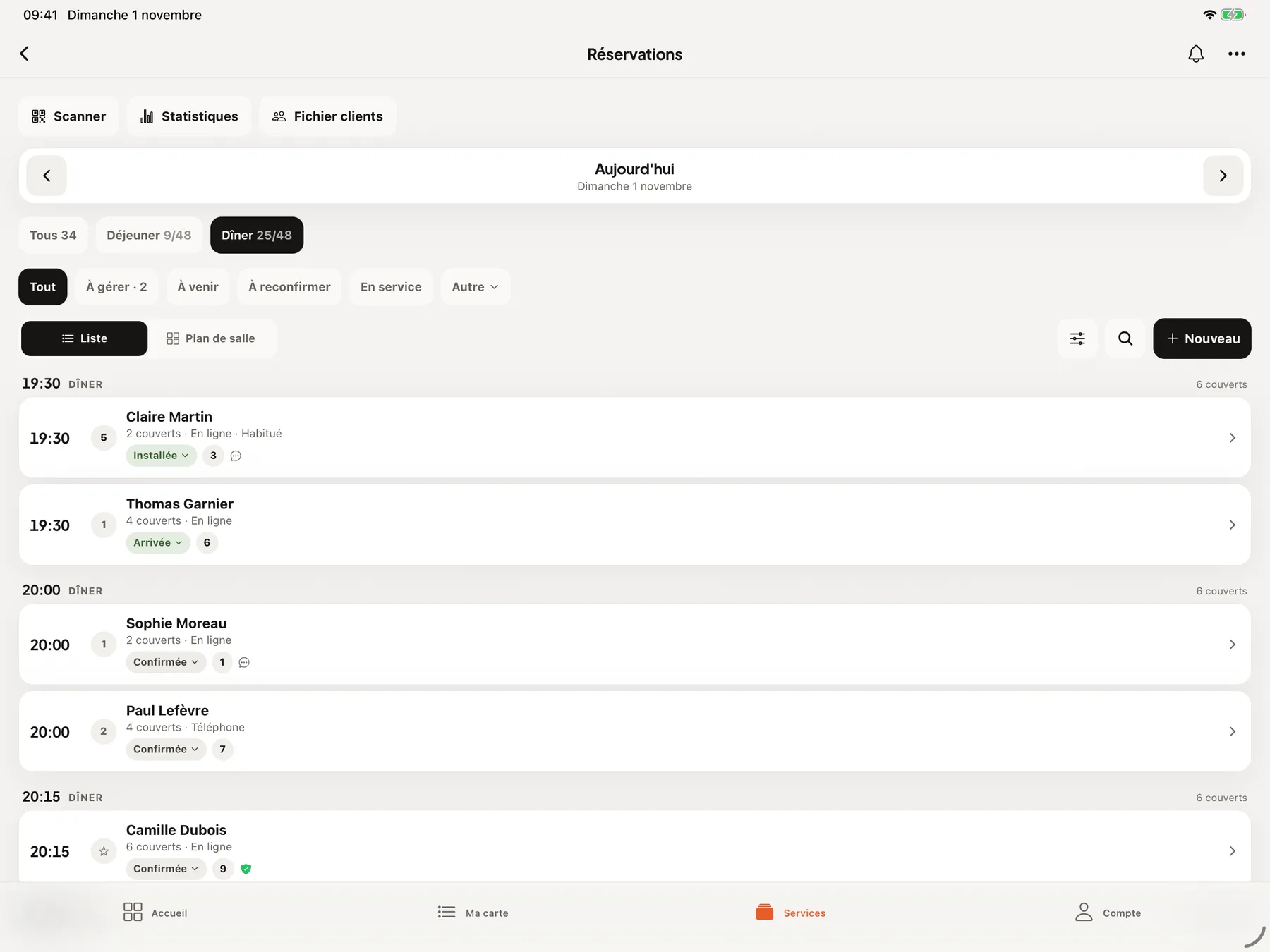
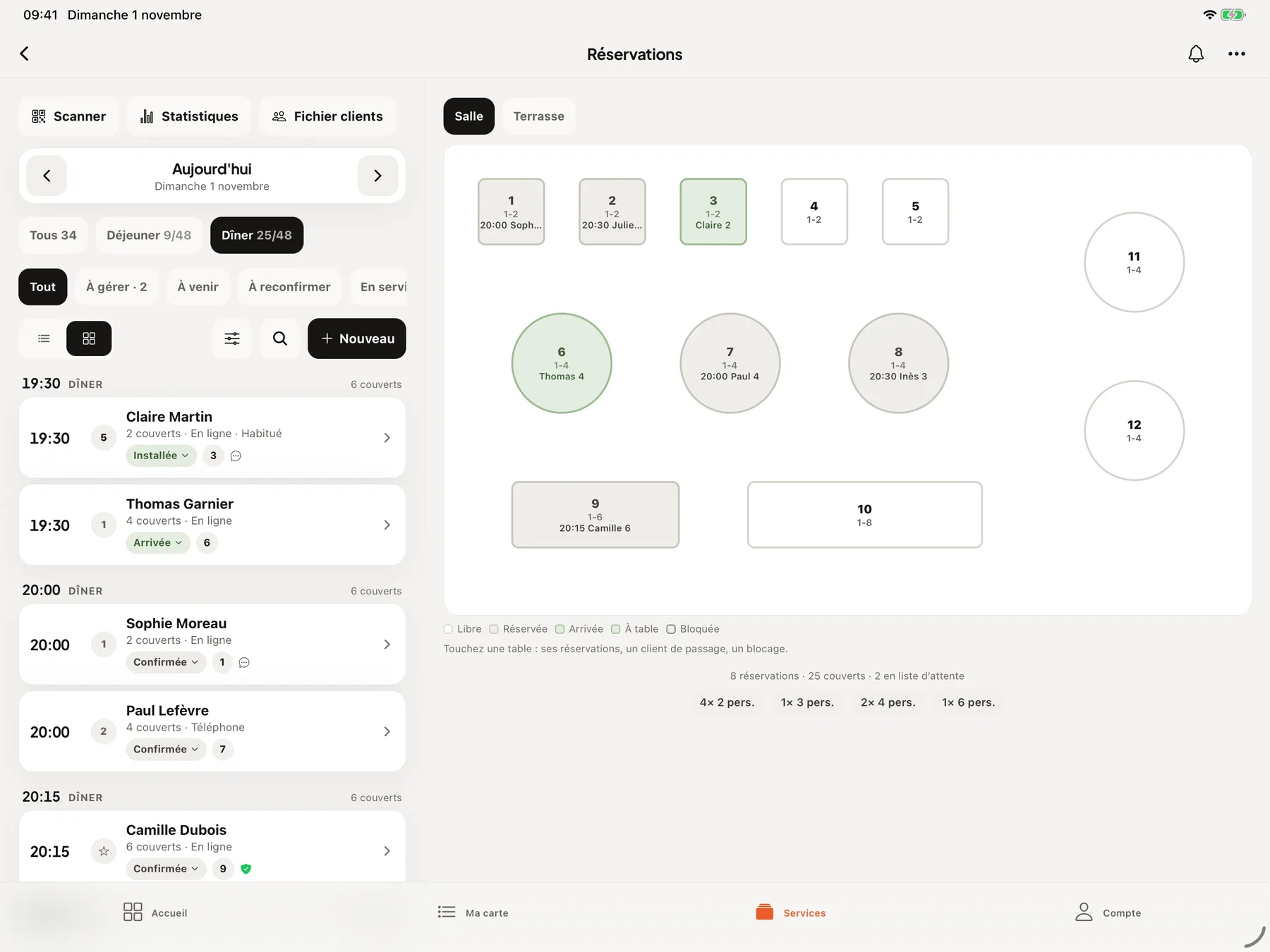
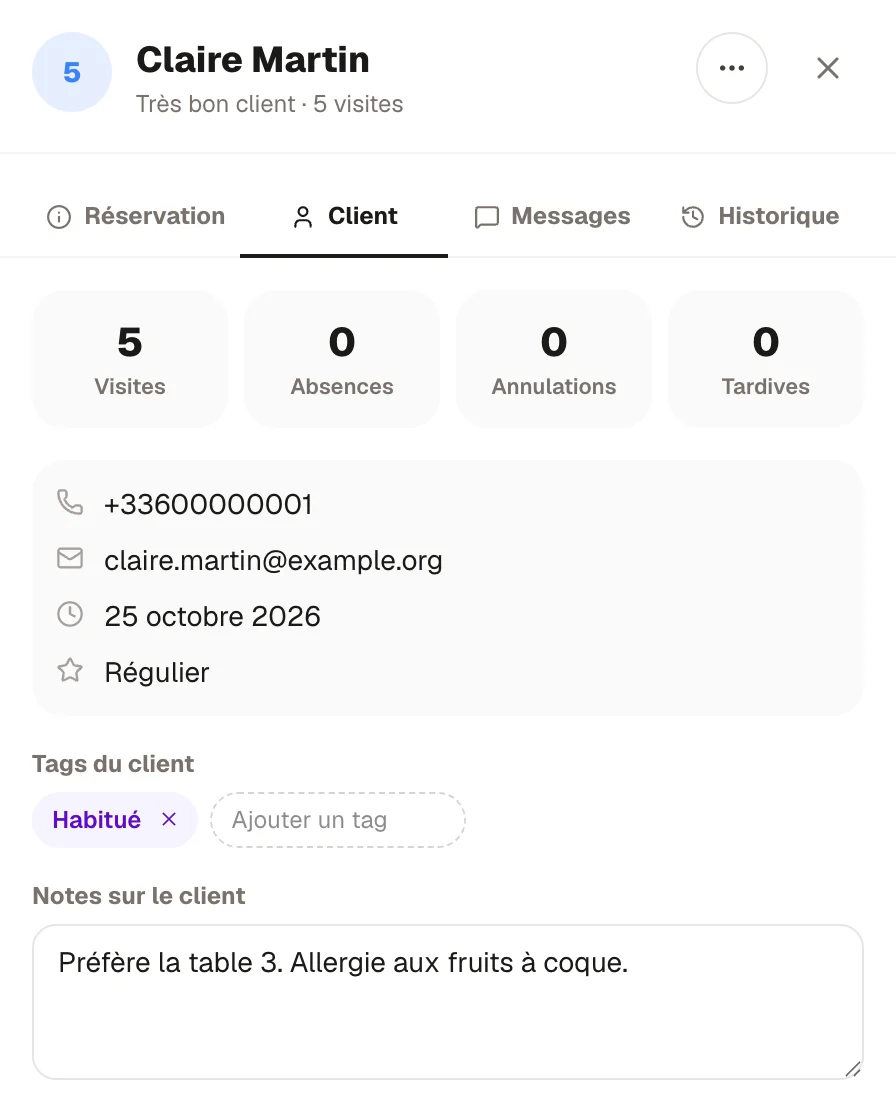
Screens of the booking page, the RestoAll app on iPad and the dashboard, from the French version of RestoAll, on a sample restaurant with fictional data.
Online booking features
RestoAll gives you a booking link. You paste it yourself into your Google Business Profile, your Instagram profile and your website. On your RestoAll menu, the “Book a table” button is already there.

You draw your rooms and your tables, and each table takes the colour of its status, free, booked or occupied. On iPad, the list for the service and the floor plan sit side by side.

When a slot is full, the guest can join the waiting list. If a table opens up, the people on the list receive an email and the first to confirm gets the table.


The guest saves their card when booking, nothing is charged, and you only take payment for a no-show or a late cancellation. The card guarantee is optional and needs a Stripe payment account connected to RestoAll. You then set an amount per cover and the party size from which it is requested.

A guest’s profile fills in with every booking, with their visits, their no-shows and their cancellations. You add your own tags and notes, such as an allergy or a favourite table.

Sample restaurant, fictional data.
01 / 03
Your guests book while you serve
The guest gives the party size and the day, then picks a time from the slots where you still have room. They leave their name, phone number and email, with no account to create and no app to install.

02 / 03
The booking appears in your book at once
You keep the book in the RestoAll app or on a computer, service by service. You confirm, you mark an arrival or a no-show, and a booking taken over the phone is added with the New button.
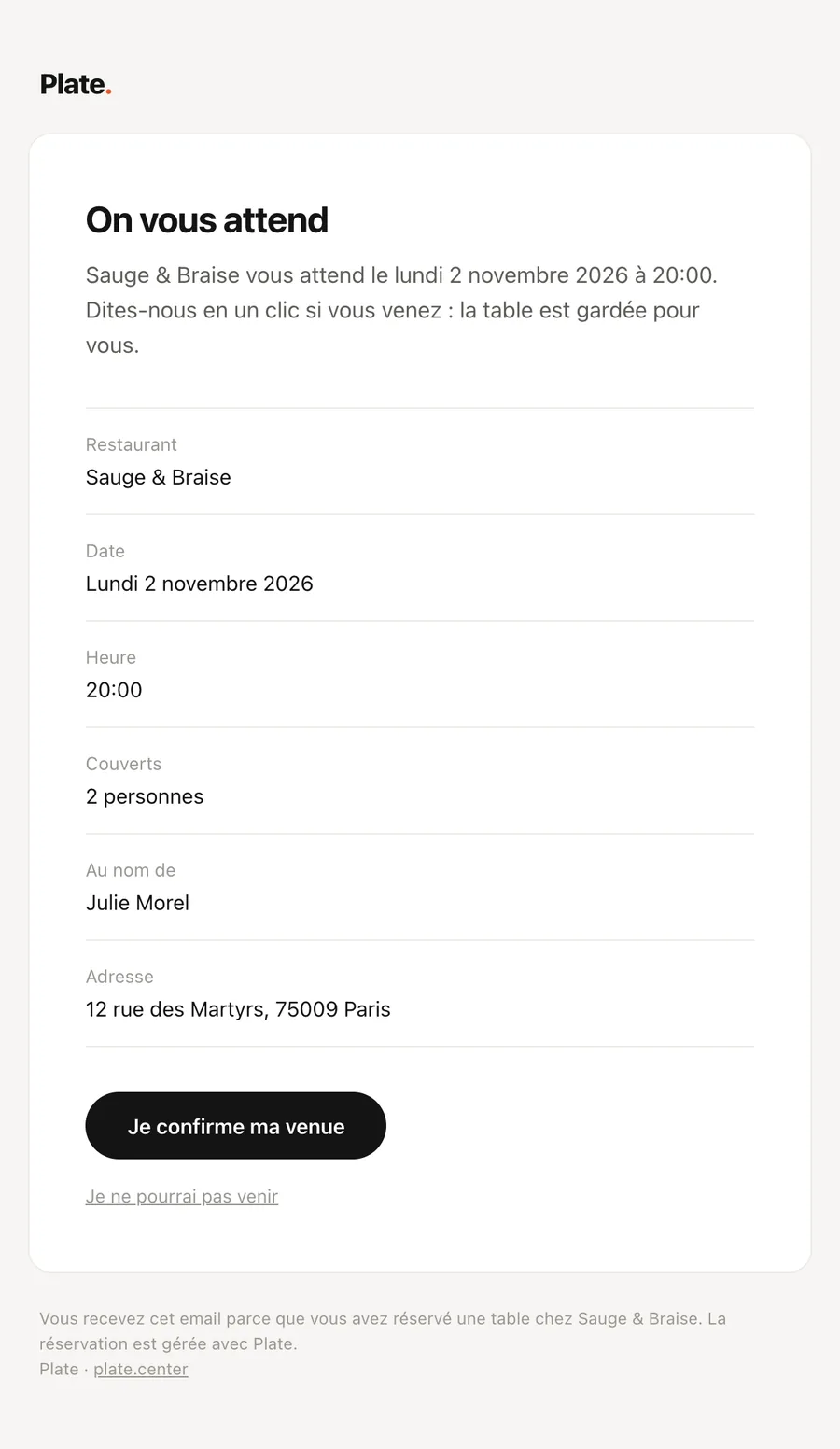
03 / 03
The email reminder goes out on its own
The guest receives a confirmation email as soon as they book, in their language. Before they come, a reminder asks them to confirm with one click, and if they cancel, their table becomes available for booking again. The day after their visit, an email thanks them and invites them to leave a review on Google, if you have entered your review link.
Included from Essential
Online booking is part of both plans, starting with Essential at €49.99 a month. There is no commission per cover and no commitment, and everything is open during the thirty-day trial.
Essential
Your digital photo menu, accessible by QR code.
€49.99
per month, no commitment
Booking included
- Unlimited dishes and photos
- AI photos (background removed, styled)
- Multilingual menu (5 languages)
- Thirty QR codes, made and shipped
- Statistics: peak hours, most viewed dishes
- Guest reviews: Google and private feedback
- Stock management and food cost
- Online table booking, no commission
Complete
Essential, plus everything that brings guests back and sells straight from the table.
€99.99
per month, no commitment
Booking included
- Everything in Essential, table booking included
- Loyalty programme
- Table ordering and payment
- Takeaway ordering
- POS connection (HubRise)
- 0% commission on your sales
How does online booking work?
- 01
You open bookings
Your services are created from your opening hours. You say how many covers your dining room holds. Table duration and time slots are already set, and you can change them.
- 02
Your guests book
From your Google Business Profile, Instagram, your website or your menu, they choose the party size, the day and the time.
- 03
You keep the book
A notification arrives on your phone and the booking goes into the book. The guest receives their confirmation by email, then a reminder before they come.


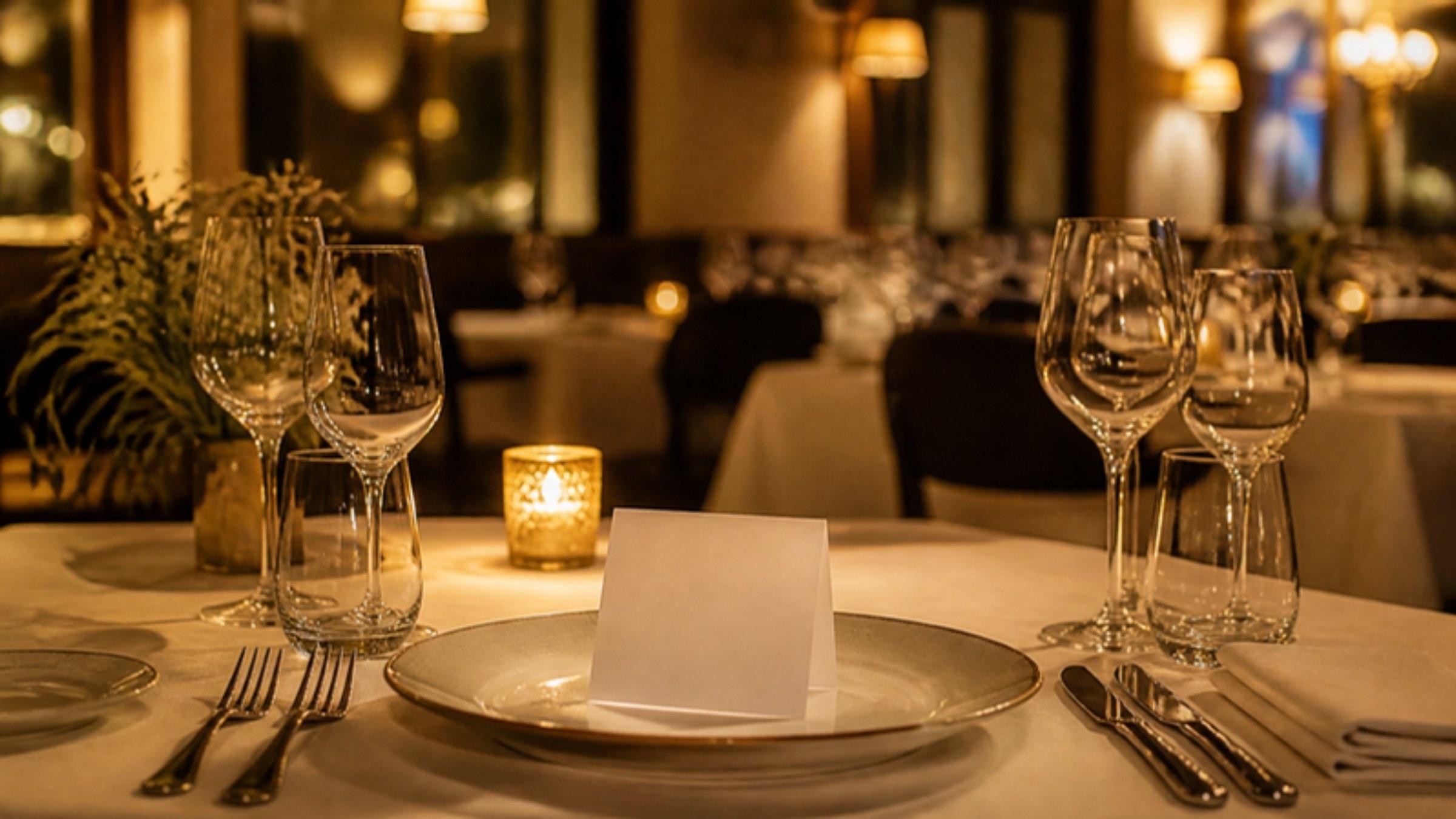
Open bookings for your restaurant
Common questions.
How much does online booking cost?
How do I get the Reserve button to show on Google?
Do my guests need to create an account?
What about bookings taken over the phone?
The other RestoAll solutions
Everything lives in the same app and the same dashboard: one menu, one QR code, one subscription.







Your guests book, you welcome them.
- Free trial
- 30 days, no credit card
- Then
- from €49.99 a month, no commitment
- QR kit
- Thirty QR codes, shipped to you