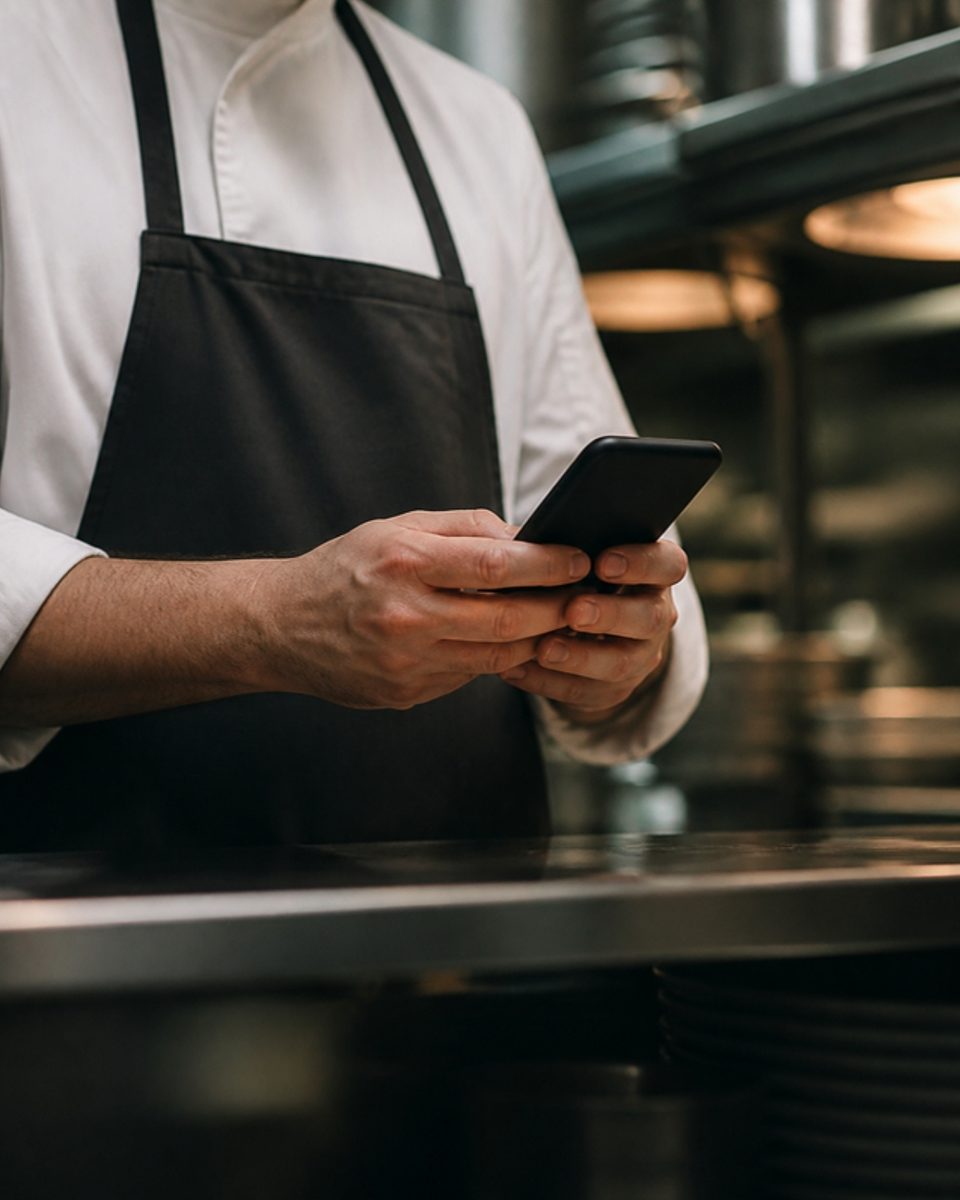
A digital menu, simple to create
Every screen in RestoAll was designed for a restaurant owner who is short of time. This page shows how a menu is created and what you will not have to do.
- Six screens, about ten minutes
- From your phone
- Only one required step
The time it takes
A menu that takes half a day of work ends up on the pile of things to do one day. With RestoAll, creating it takes about ten minutes, from your phone.
Six screens to a finished menu
You have no account to open with another piece of software, and no printer or web developer to contact.
- 01
Your identity
Name, town, type of cuisine. The only required step.
- 02
Your contact details
Address, phone number. You can skip this step.
- 03
Your opening hours
Pre-filled with typical opening times, to adjust with a tap. You can skip this step.
- 04
Where to find you
Your social accounts and your Google review link. You can skip this step.
- 05
Your first dish
A photo taken with your phone. The AI cuts out the dish and changes the background while you type the name and the price, and the result appears before you have finished.
- 06
It’s ready
Your link and your menu online. Your QR codes are made and shipped by RestoAll.





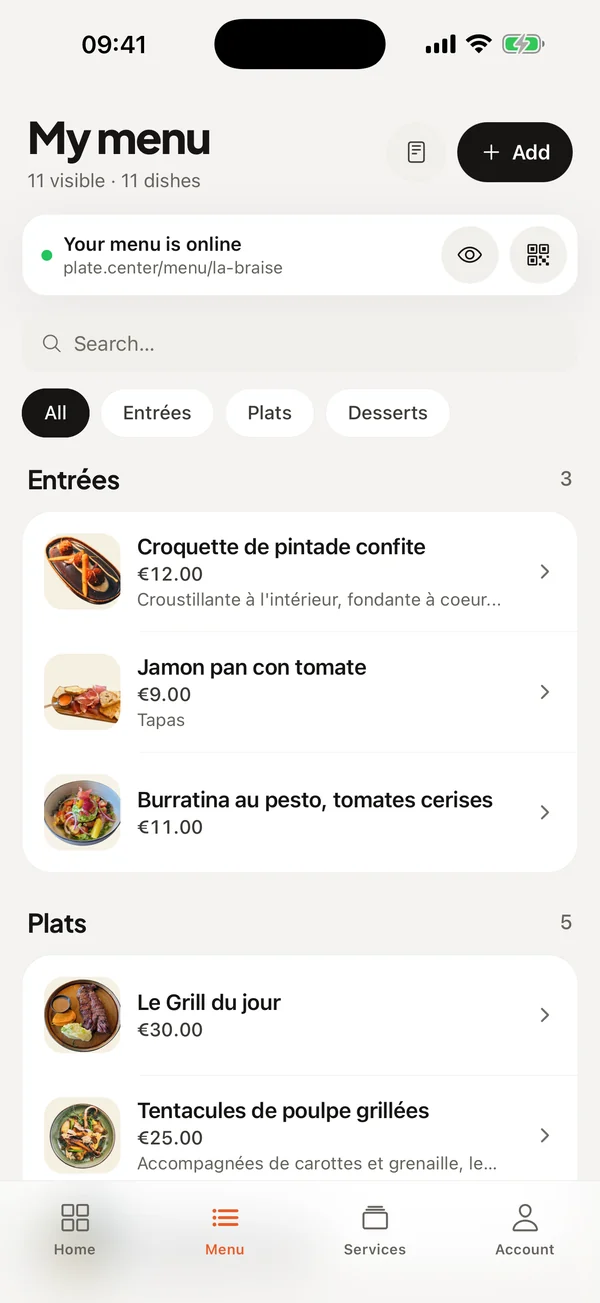
The screens you will use
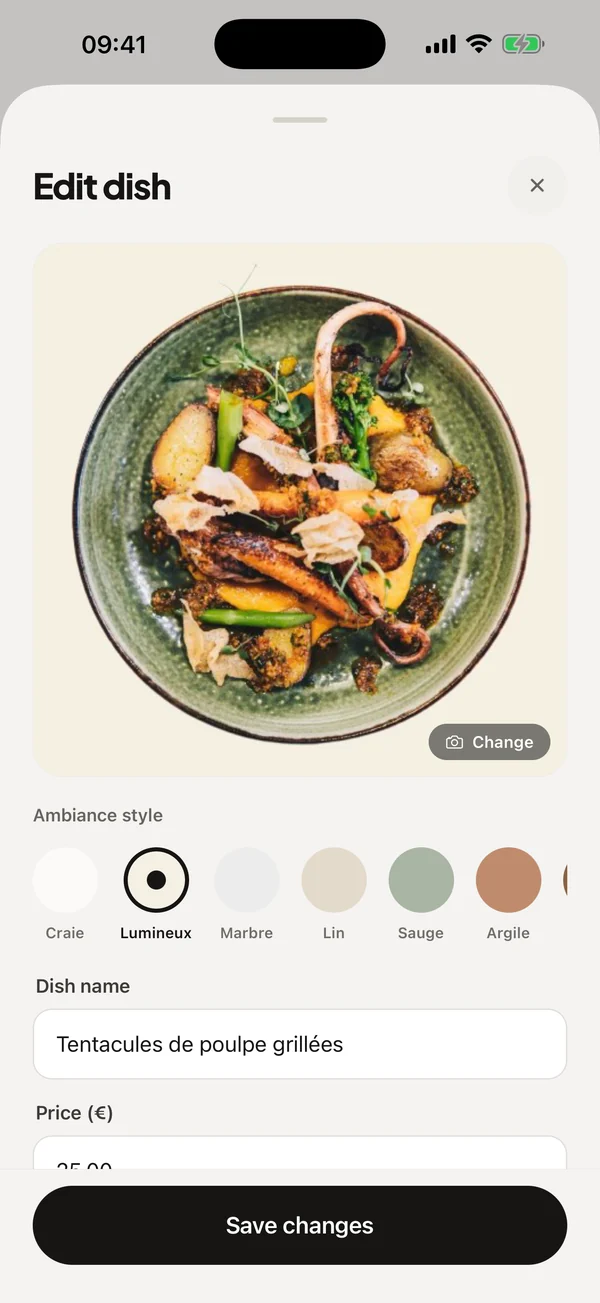
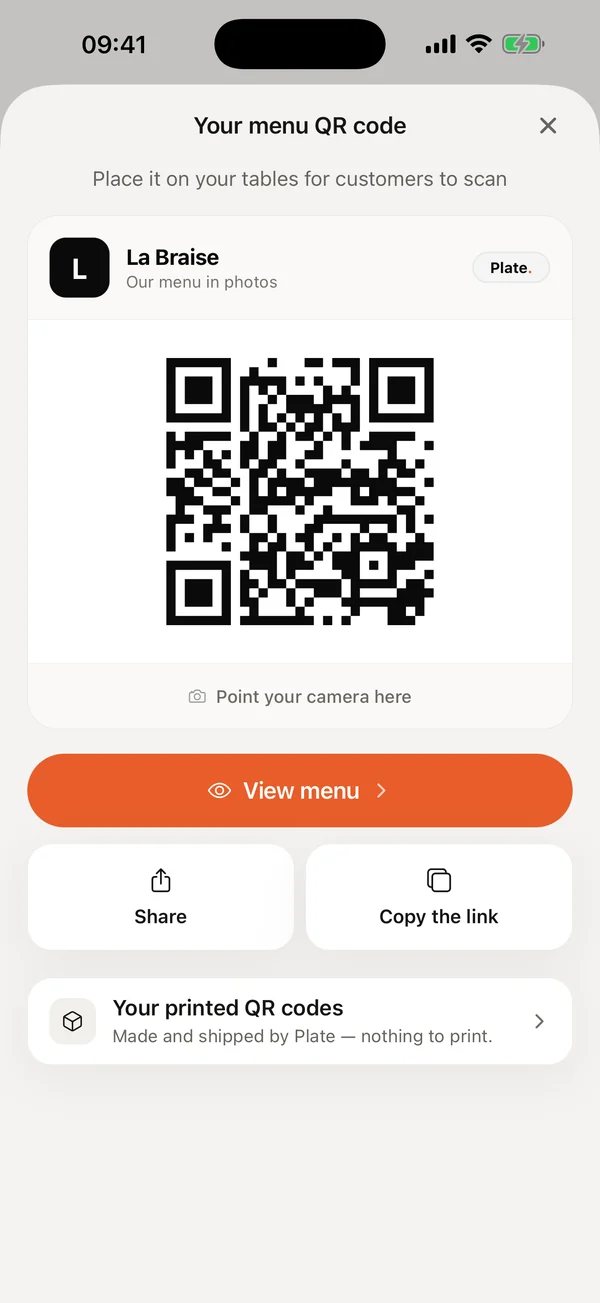
On a dish's screen, the plate is cut out and set on the chosen ambiance style, above its name.
Screens from the RestoAll app on iPhone, on a sample restaurant.
What your guests see
The work is simple on your side, but the menu your guests get is still complete.
Your photos, with no photography skills
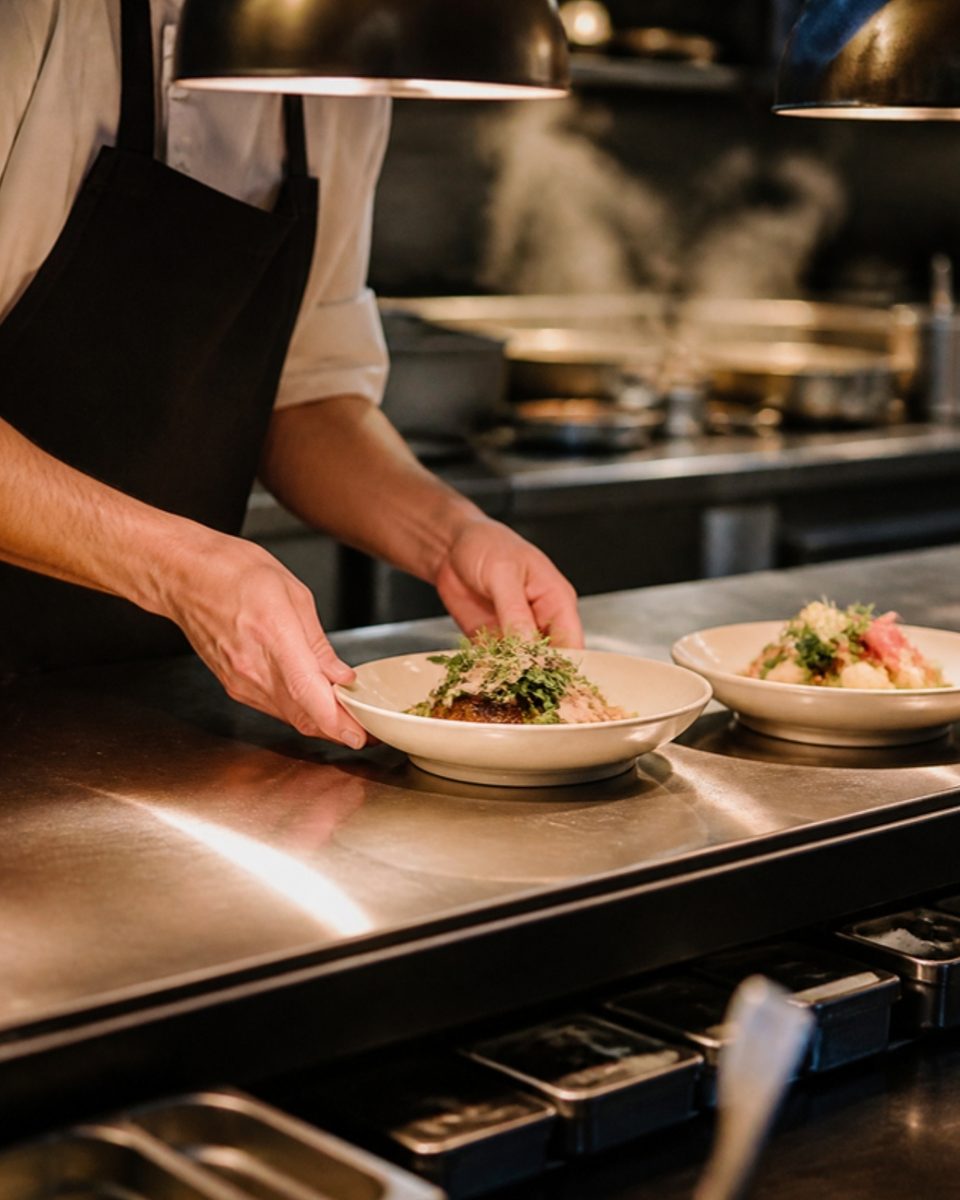
You take the photo with your phone, and the AI cuts out the dish and sets it on one of the 10 backdrops available. You don't need to bring in a photographer.
A menu in 5 languages, nothing to translate
The guest chooses their language from French, English, Spanish, Italian and German. You write the menu only once.
A real printed kit, delivered to you
RestoAll makes the QR codes and the stickers and sends them to you. You have no layout software to open and no printer to call.



Changing the menu day to day
A dish that has sold out is hidden with one tap and disappears from the menu straight away. A price can be changed between two services, and your guests see it at the table immediately.
You have no website to manage, only your menu.
Common questions.
I really have no time to spend on this.
I'm not good with technology.
Simple often means limited.
What if I make a mistake doing it myself?


Your menu can be online before the end of service.
- Free trial
- 30 days, no credit card
- Then
- from €49.99 a month, no commitment
- QR kit
- Thirty QR codes, shipped to you