Pizzeria: the dining room, the counter or the truck.

QR code menu for Pizzerias

A pizzeria menu often lists thirty pizzas whose names say nothing about the topping. In photos, guests can see it. Thirty QR codes made and shipped, 0% commission, 30 days free.

POS connected through HubRise, payments by Stripe

PopinaZeltyHubRiseJaliaToporderFrench CaisseCarré POS
Apple PayVisaMastercardStripe

What gets in the way today

A pizzeria menu easily runs to thirty pizzas, and most go by a name, Regina, Napoletana, Diavola, Capricciosa, not counting the house ones. These are conventions of the trade, and they do not say what is on top. A guest who does not know the place reads a list of names with the ingredients in small print, and does what everyone does: orders the one they have already had elsewhere.

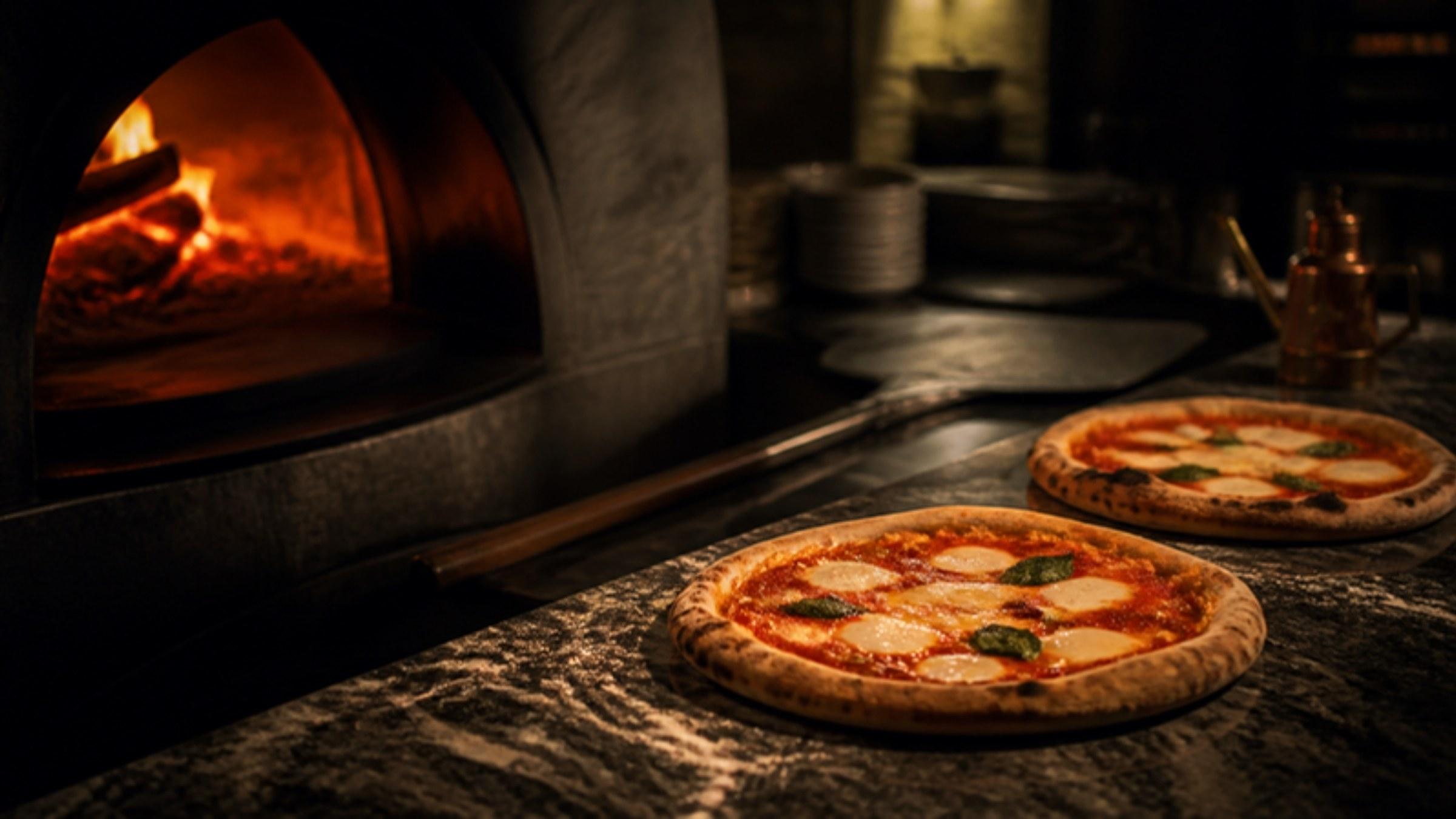
It is all the more of a shame because pizza is probably the most photogenic dish there is. The whole topping is on show, you can see how well it is baked, and the difference between two pizzas is obvious in a photo, when it takes three lines of text to explain.

There is also a constraint particular to the trade. A pizzeria runs the dining room and takeaway at the same time, on the same oven. On Friday night, takeaway orders come in by phone while the room fills up, and the guest waiting for a box at the counter needs the same menu as the one sitting down, with even less time to read it.

What a photo menu changes here

  • Guests choose by the topping

    Every pizza has its own real photo, taken on a phone and then cut out automatically. The guest sees how much cheese there is, how the ingredients are spread, the colour of the crust, and the house pizzas are no longer unfamiliar names.

  • Tomato base and cream base, kept apart

    Many guests choose the base first, which the paper menu gives in brackets. Here, tomato pizzas and cream pizzas each have their own category and their own photos, and the guest goes straight to theirs.

  • A sold-out pizza cannot be ordered

    When the burrata runs out at 9 pm, you mark the pizza as sold out from your phone. It stays on the menu, struck through, and nobody can order it any more, eat-in or takeaway. You no longer have to announce it at every table.

  • Counter and room read the same menu

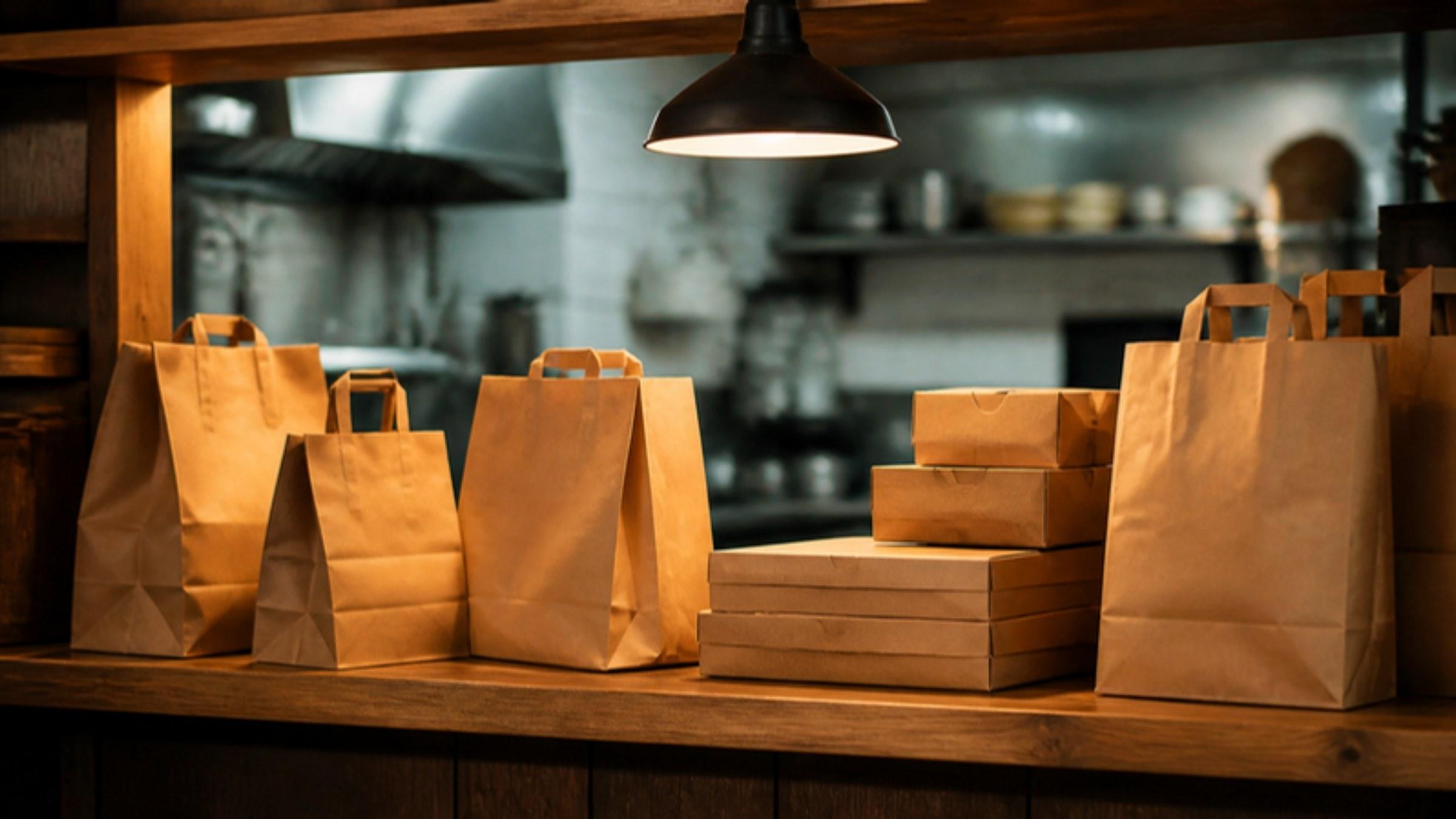
    The QR code stuck on the counter opens the same menu as the one on the table, with the same prices and the same sold-out items. You have no second menu to keep up to date for those waiting for their box.

RestoAll at your place, screen by screen

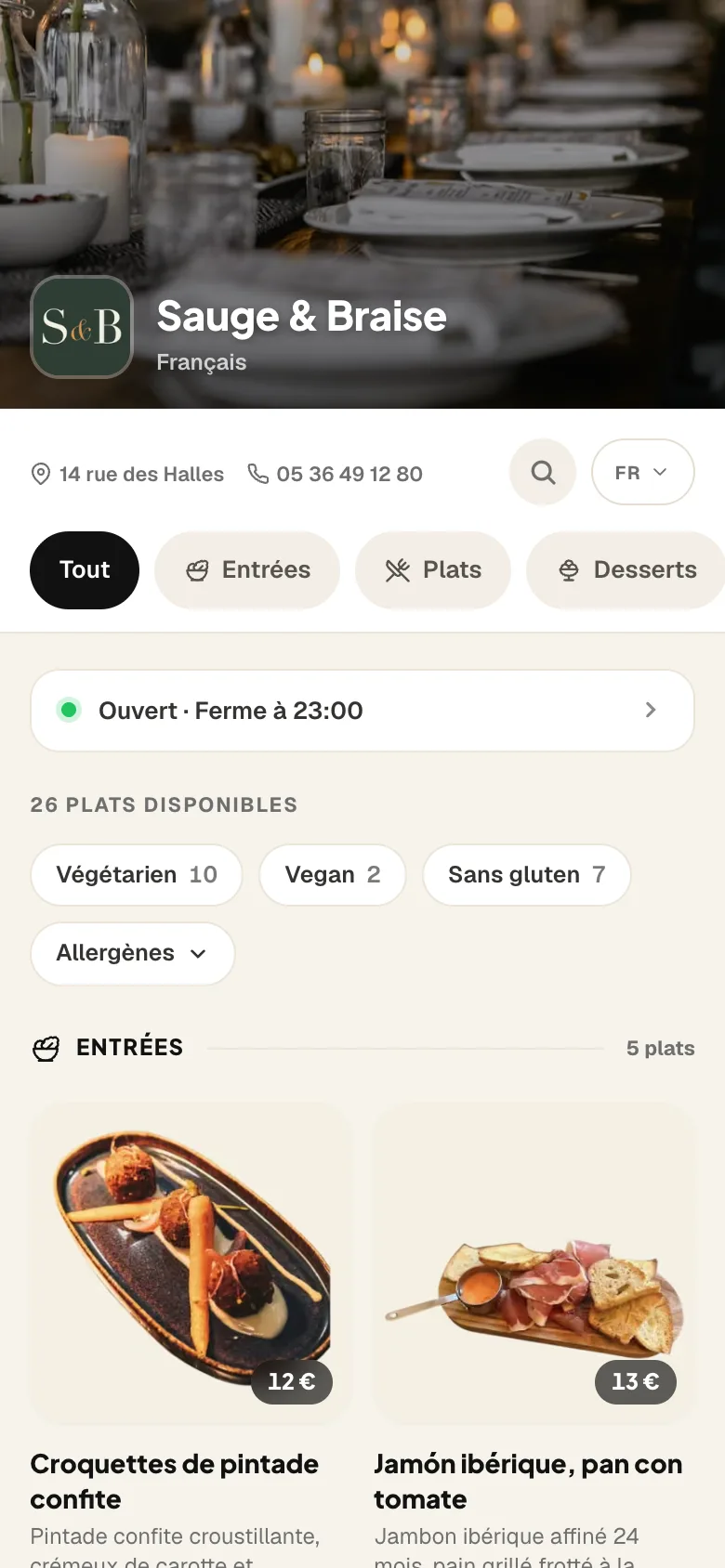
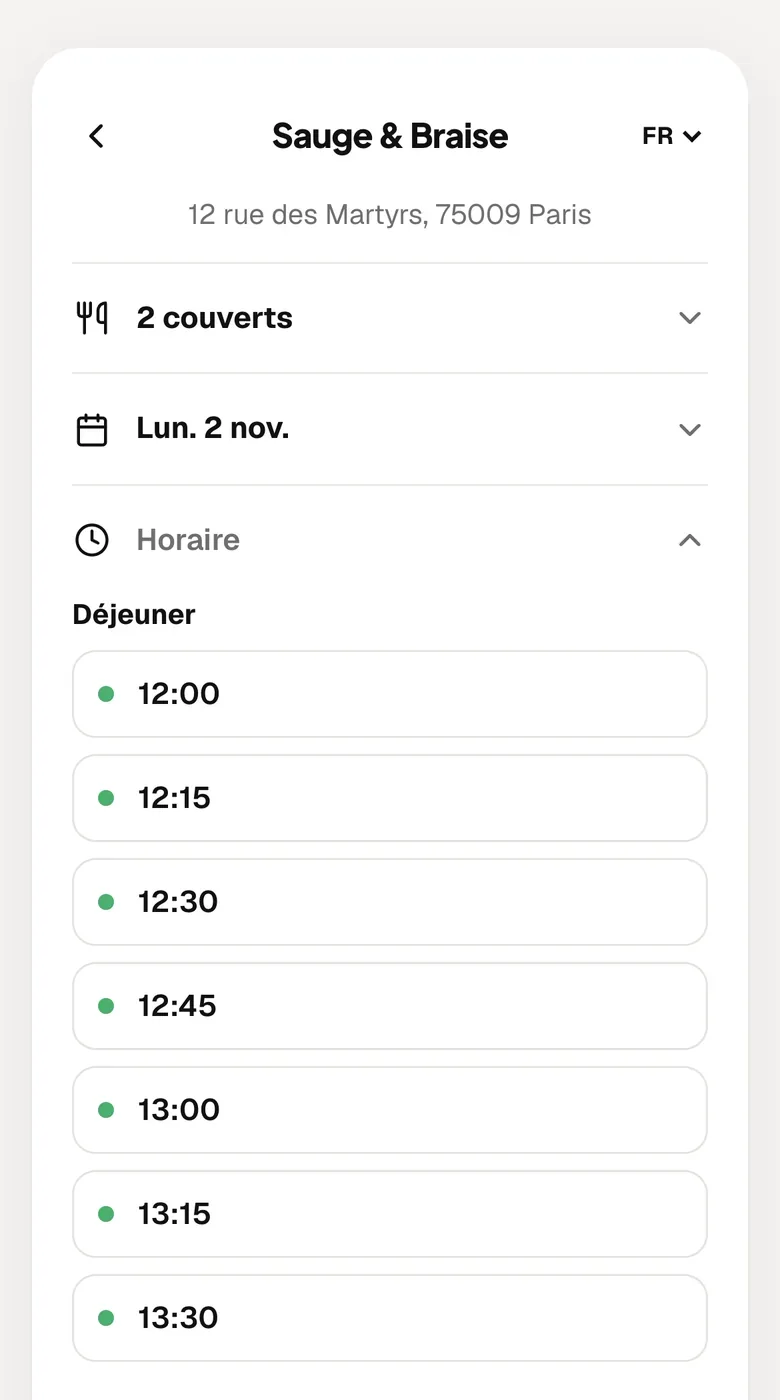
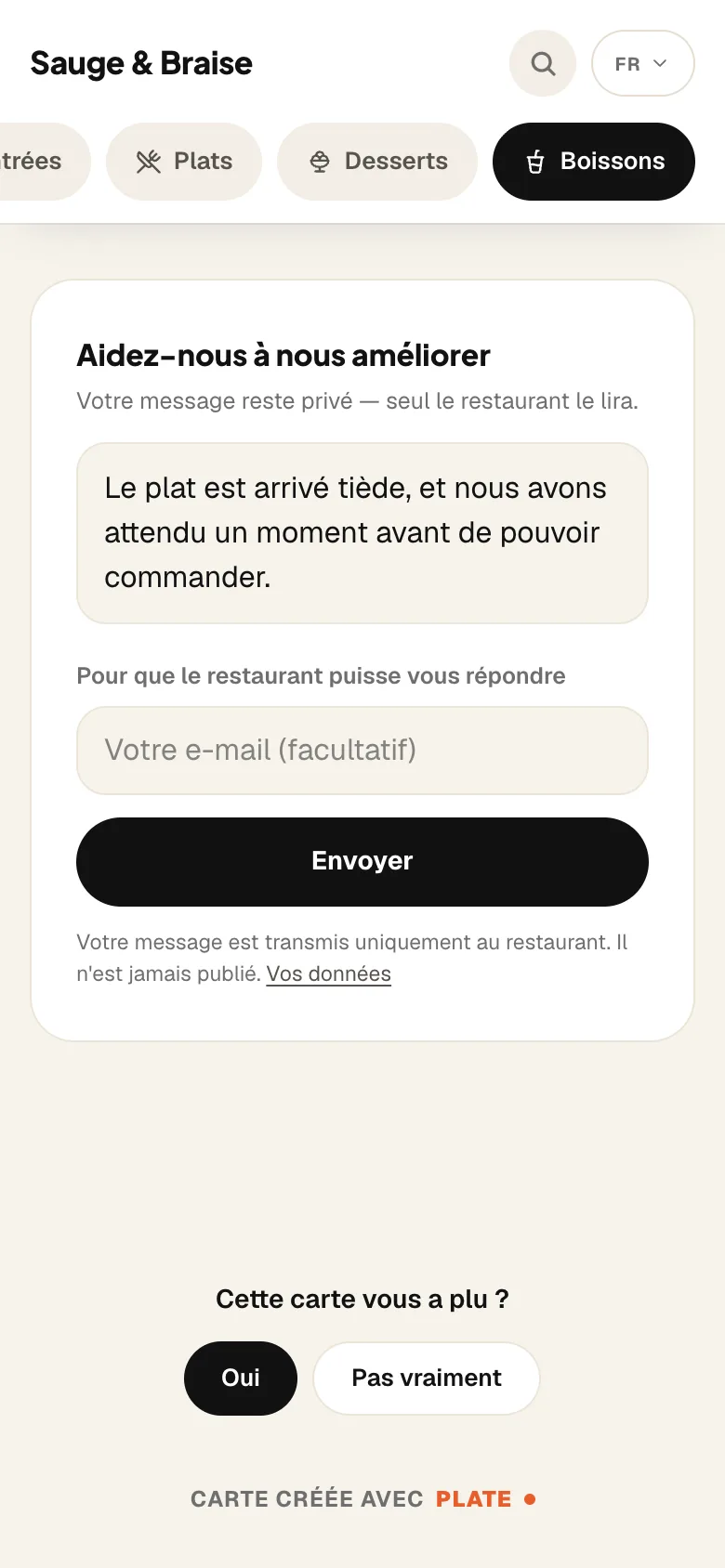
The Sauge & Braise menu open on a phone: the cover, the opening hours, the categories and the first dishes in photos.

The guest scans the QR code and your menu opens on their phone, with no app to install.

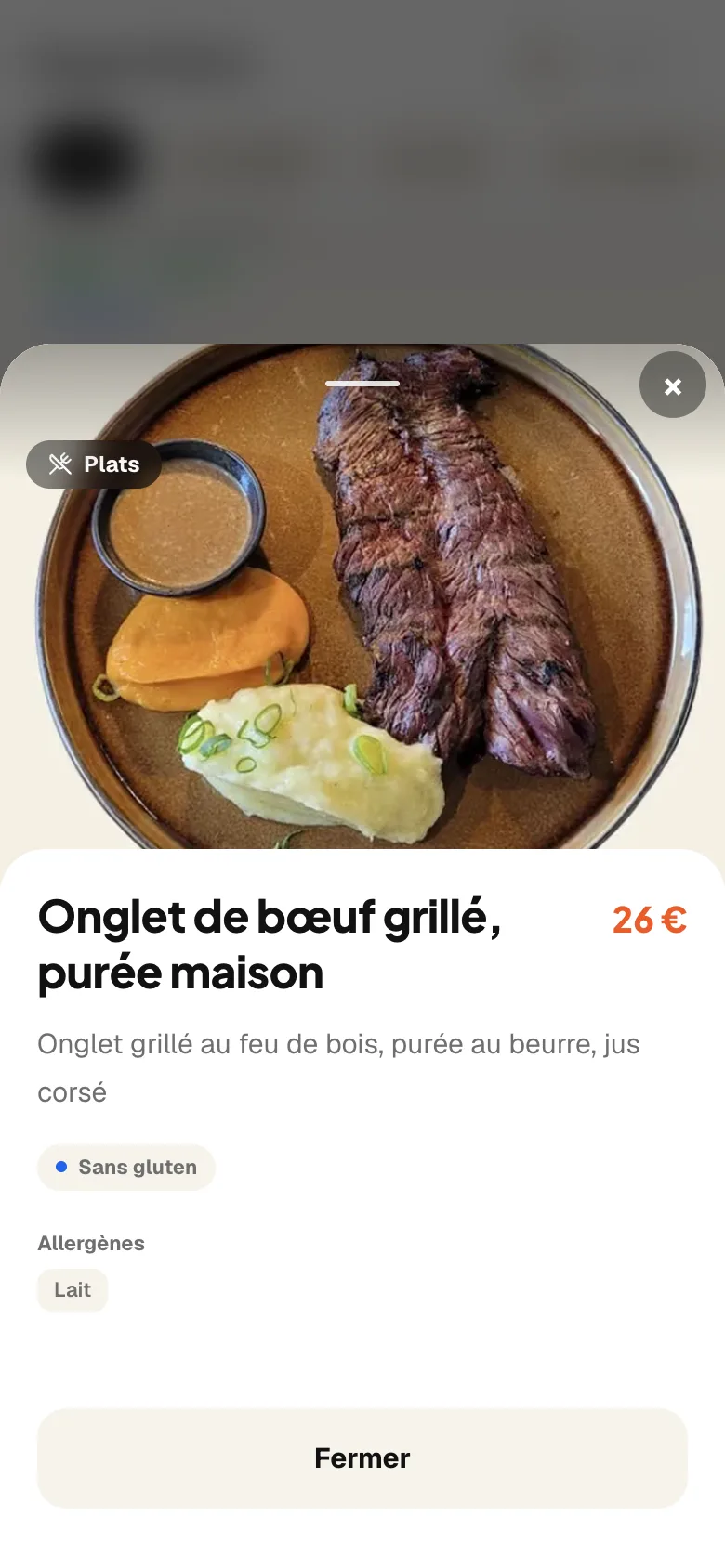
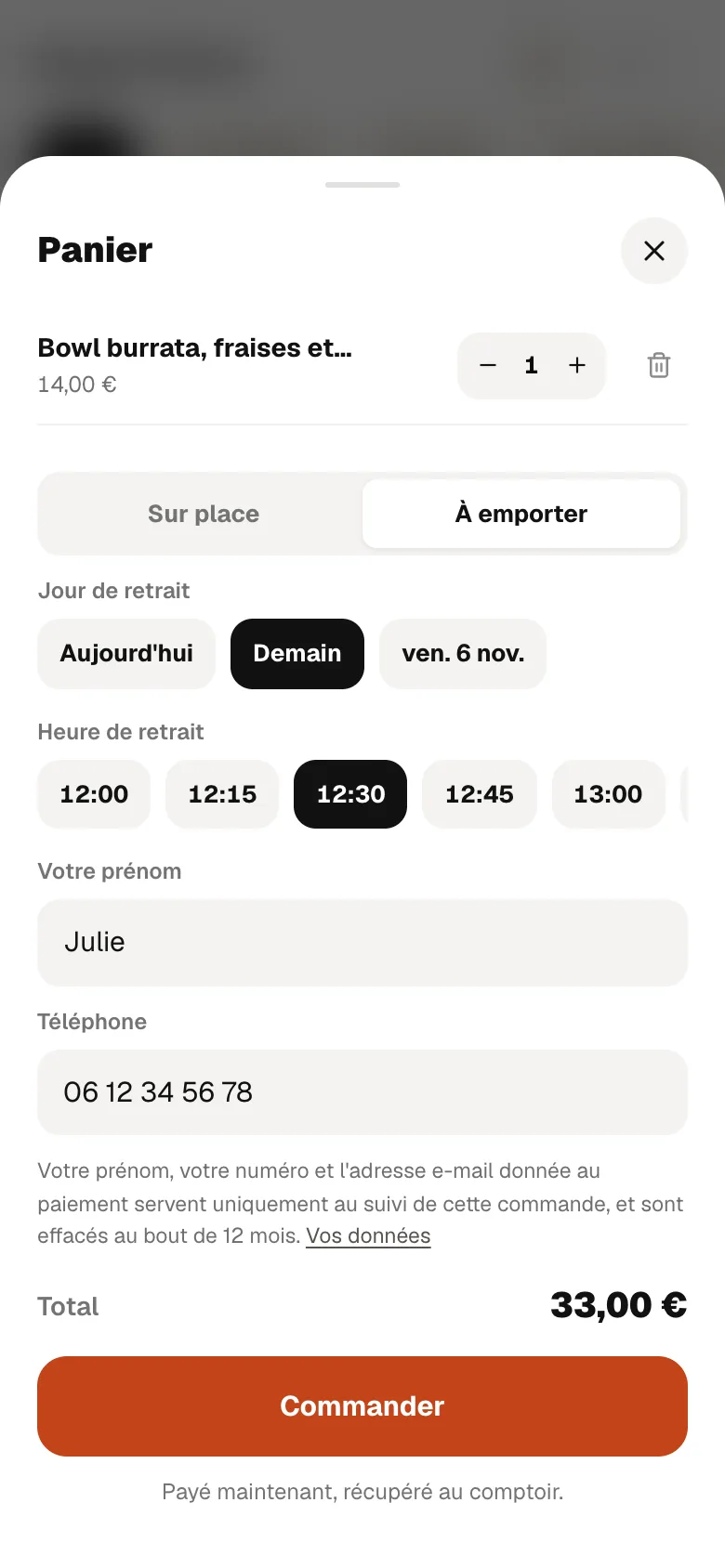
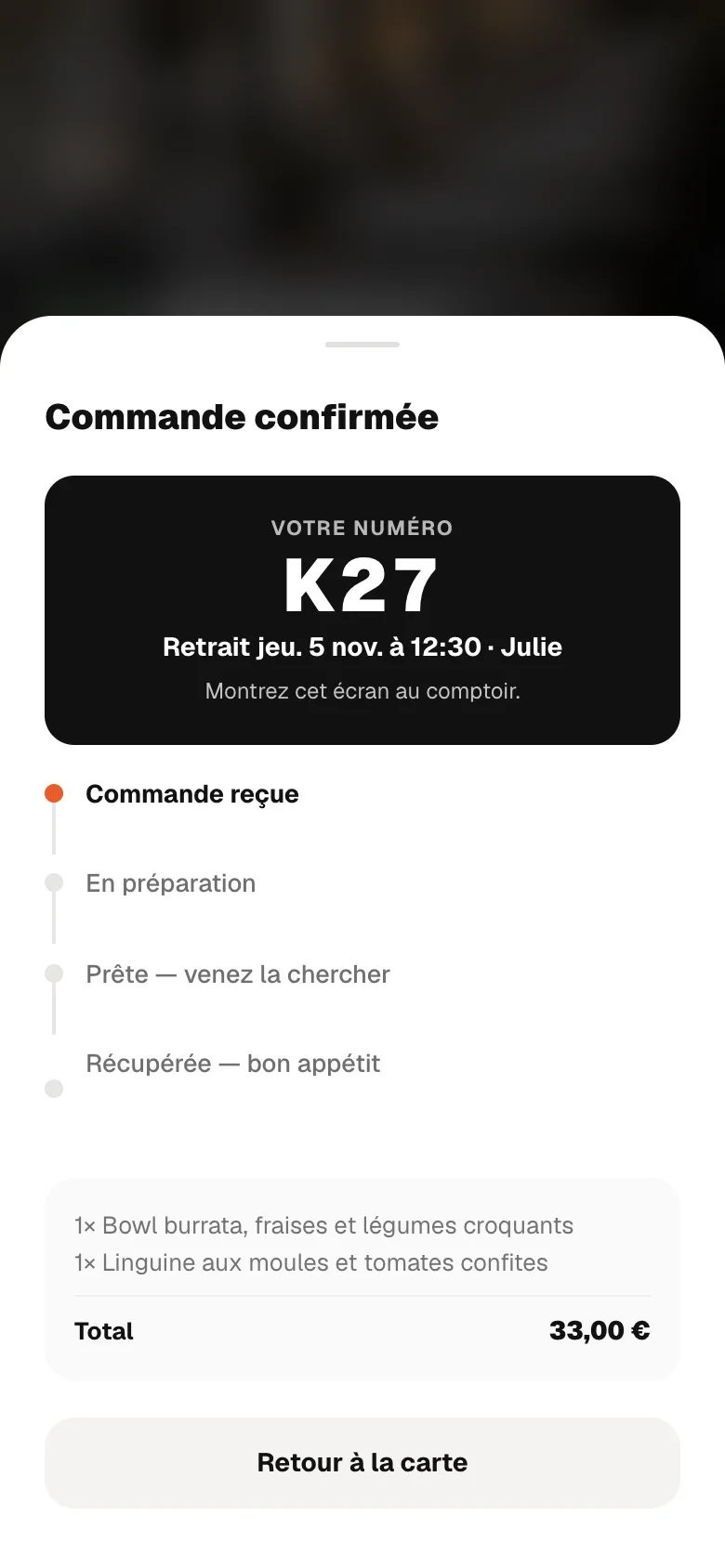
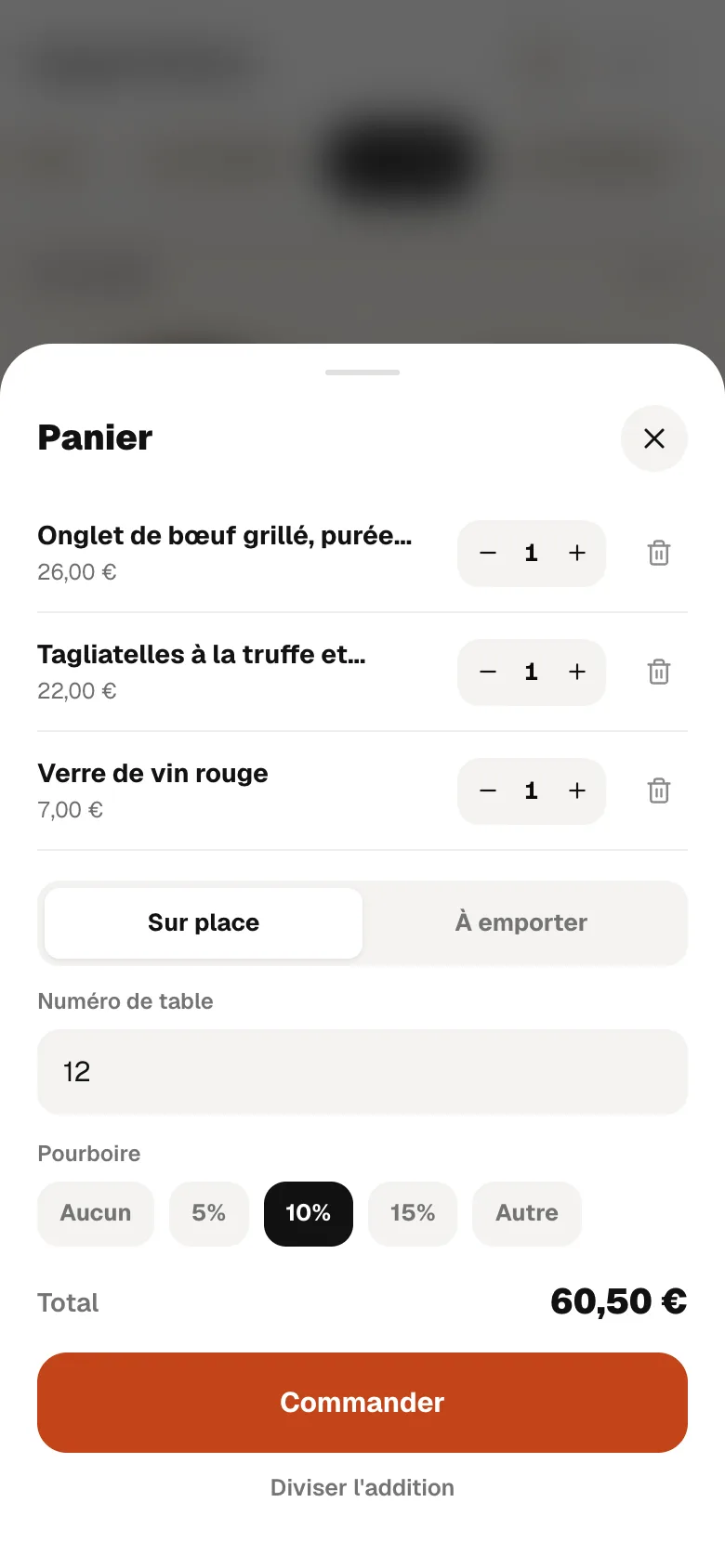
Screens from the French version of RestoAll, on a sample restaurant with fictional data.

How to set it up

The categories of a typical menu

  • Tomato base pizzas
  • Cream base pizzas
  • Calzones
  • Starters and antipasti
  • Desserts
  • Drinks

Where to put the QR code

In the dining room, one laminated card per table, and a sticker on the counter for the takeaway queue. That one often gets the most use, because a guest standing up has nothing else to read. The thirty QR codes delivered are stickers, included in the subscription, and the laminated card is offered as an extra.

The services worth having in your trade

Not every service earns its place in every trade, and we would rather tell you before you have paid. Online booking and reviews are in Essential; loyalty, table ordering and Click & Collect are in Complete.

Very good fit

Click & Collect

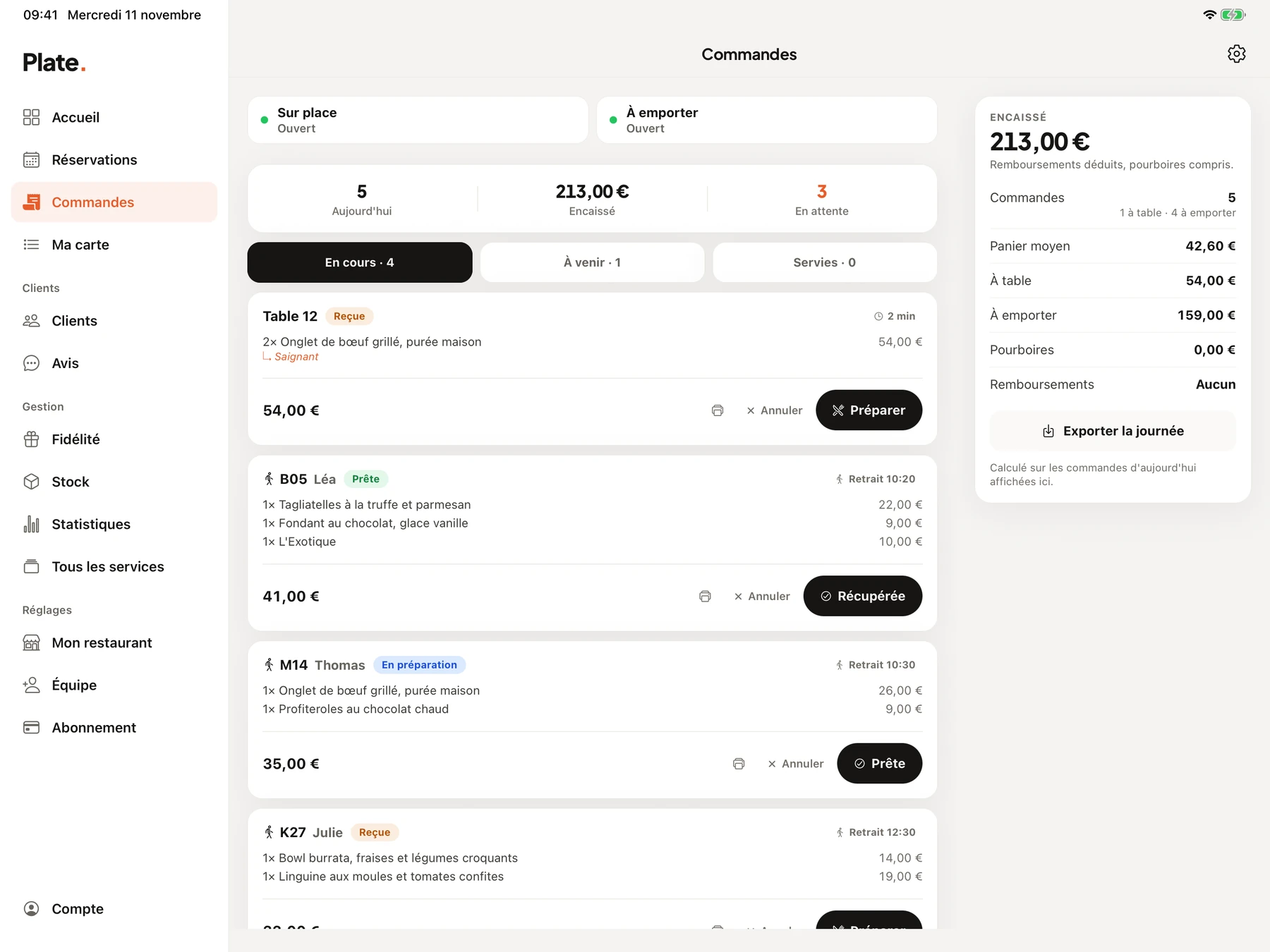
A good share of the pizzas leave in a box, and those orders come in by phone just when the oven is running flat out. From the menu, the guest chooses their pizzas, pays and picks a collection time, then gives their number at the counter. You cap the number of orders per slot so the oven can keep up, and the money arrives in your account, with no commission.

Very good fit

Loyalty programme

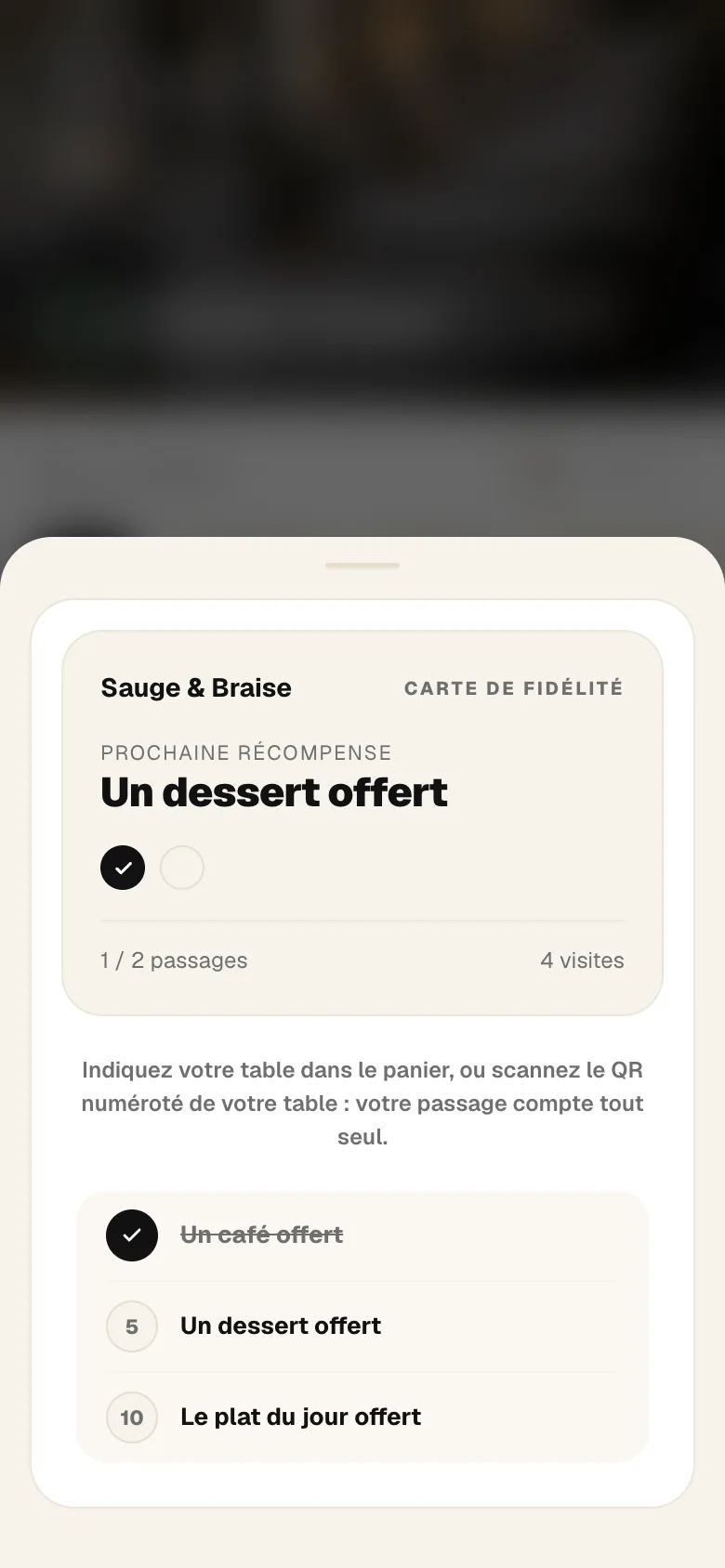
A neighbourhood pizzeria lives off the guest who comes back every two weeks. Their loyalty card is on their phone, with no stamp and no paper card to lose, with a reward at each threshold you set, and a takeaway order paid from the menu counts as a visit.
Good fit in the evening

Online booking

On Fridays and Saturdays, a pizzeria turns people away or keeps them waiting on the pavement. With the booking link you paste on your Google profile or in your Instagram bio, guests book their own table, and if a table frees up, the waiting list offers it by itself to those who were waiting. Booking is in both plans.


Good fit

Guest reviews

Between two pizzerias in the same neighbourhood, people often decide on Google, on the rating and on guests' photos. The button to your profile sits at the bottom of the menu for all your guests, and if you open takeaway ordering, it comes back on their screen when the order is ready. Guest reviews are part of Essential.

Good fit in the evening

Table ordering

On Fridays and Saturdays, when the room is full, the guest orders and pays from the table, and the order shows up in the app without waiting for a waiter to come round. On other evenings, in a small room, taking orders at the table is enough.

Two plans, no commitment

The photo menu, the thirty QR codes and online booking are in Essential at €49.99 a month. Table ordering, Click & Collect and loyalty come with Complete at €99.99. Everything is open during the thirty-day trial.

  • Essential

    Your digital photo menu, accessible by QR code.

    €49.99

    per month, no commitment

    Menu, QR codes, booking

    • Unlimited dishes and photos
    • AI photos (background removed, styled)
    • Multilingual menu (5 languages)
    • Thirty QR codes, made and shipped
    • Statistics: peak hours, most viewed dishes
    • Guest reviews: Google and private feedback
    • Stock management and food cost
    • Online table booking, no commission
  • Complete

    Essential, plus everything that brings guests back and sells straight from the table.

    €99.99

    per month, no commitment

    Ordering, payment, loyalty

    • Everything in Essential, table booking included
    • Loyalty programme
    • Table ordering and payment
    • Takeaway ordering
    • POS connection (HubRise)
    • 0% commission on your sales
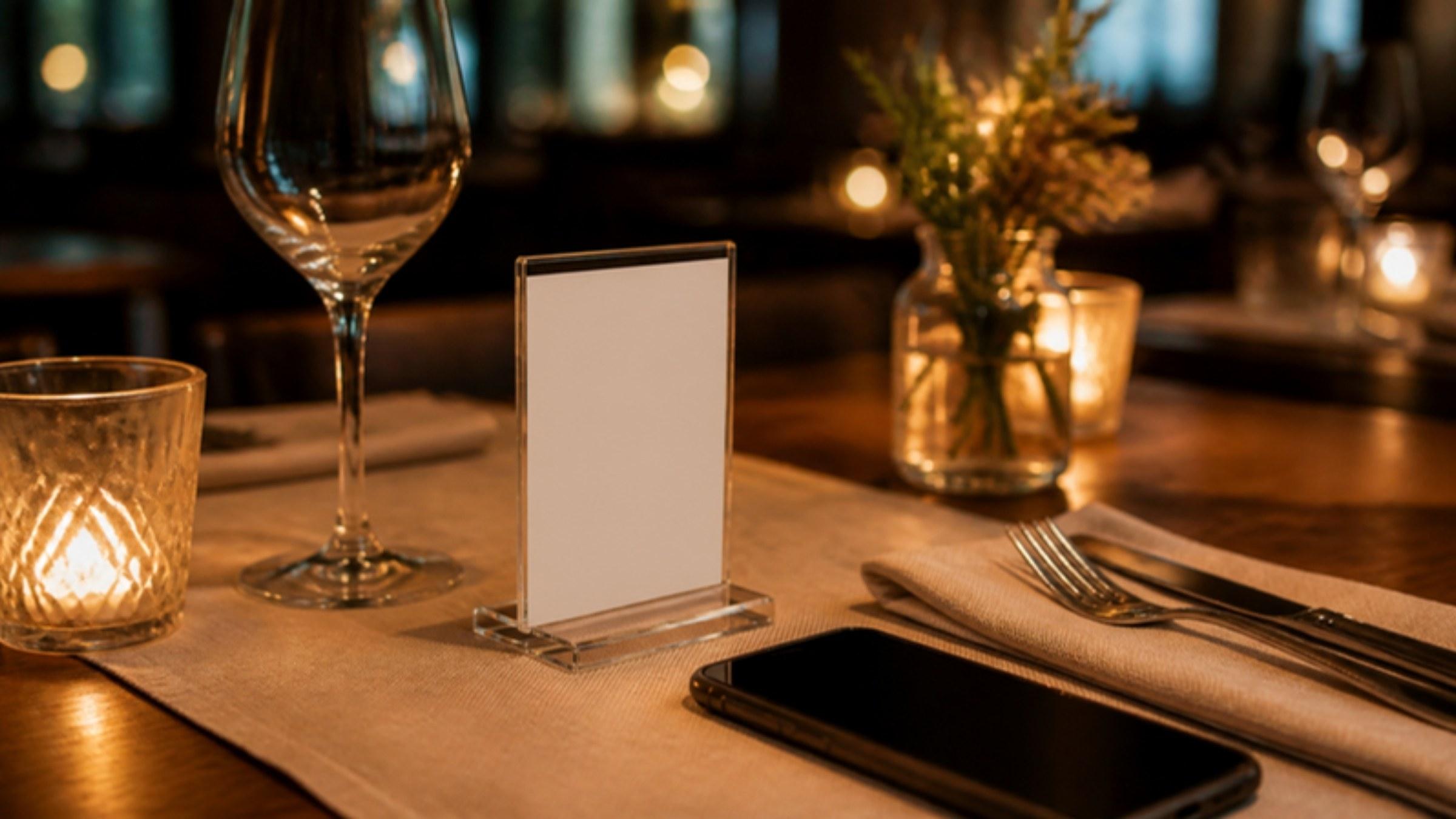
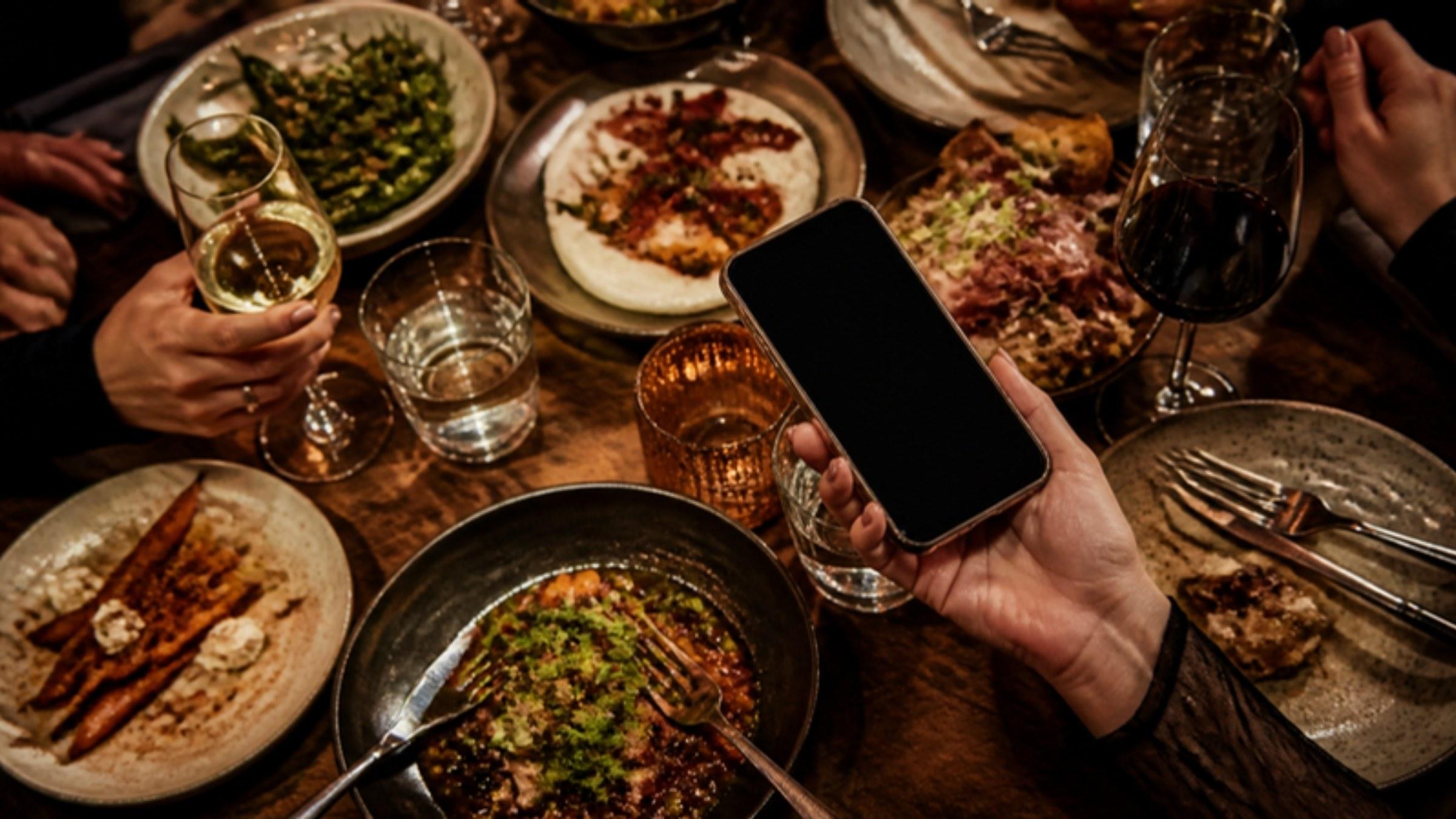
A table laid for dinner, by candlelight.

Try it on your own menu

Common questions

What a restaurant owner wants to know before trying RestoAll in this trade.

A question that is not here? Write to us

Do I need to photograph all thirty pizzas on the menu?
No, and it is better not to start there. Photograph first the ten that make your turnover, and your two or three creations, the ones you are proud of and nobody orders. The rest will follow service after service, and a menu that is half illustrated already works better than a menu with no photos.
How do I handle sizes and extras?
They are options on the pizza: a size to choose, paid extras, a choice of base. The guest selects them before adding the pizza to the basket, and the price follows. An extra that has run out is removed without touching the pizza.
And the special pizza, which changes every week?
You add it on Monday morning from your phone, it appears within the minute on the menu all your guests see, and you take it off on Sunday evening. There is nothing to reprint and no QR code to redo.
What happens if takeaway orders overwhelm the oven?
You set the preparation time and a number of orders per slot, and a full slot is no longer offered to the guest. On a night when the room is full, you pause takeaway from the app, for half an hour or until the next day, and no order comes in during that time.

Other trades

Your menu, in your trade

Free trial
30 days, no credit card
Then
from €49.99 a month, no commitment
QR kit
Thirty QR codes, shipped to you